


Service halls see heavy foot traffic and strict accuracy needs. A government service window QR code reader shortens wait times while keeping records clean, which matters for both citizen satisfaction and audit trails.
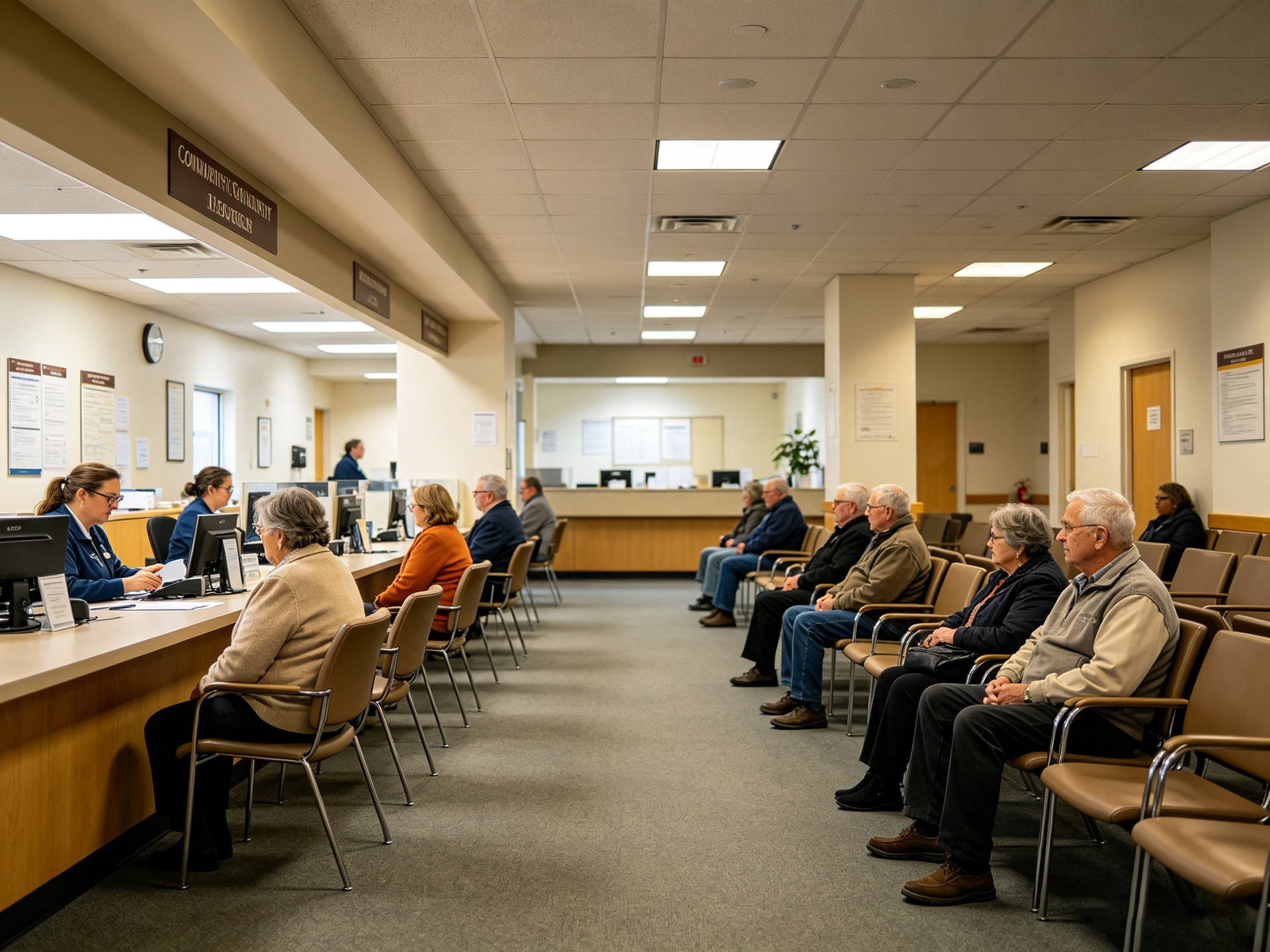
Clerks process IDs, application QR codes and document barcodes across many case types. Citizens expect quick handling, and agencies need every scan logged correctly. Devices must start instantly and read from screens, paper and worn cards, often with a different format at every step of a single transaction.

Xincode 2D readers capture ID barcodes and citizen QR codes from paper or phone in one pass. Counter models stay put for swipe scans; handhelds help mobile service points that visit communities. Stable performance reduces re-scans and keeps queues moving, while standard output simplifies connection to case-management systems.
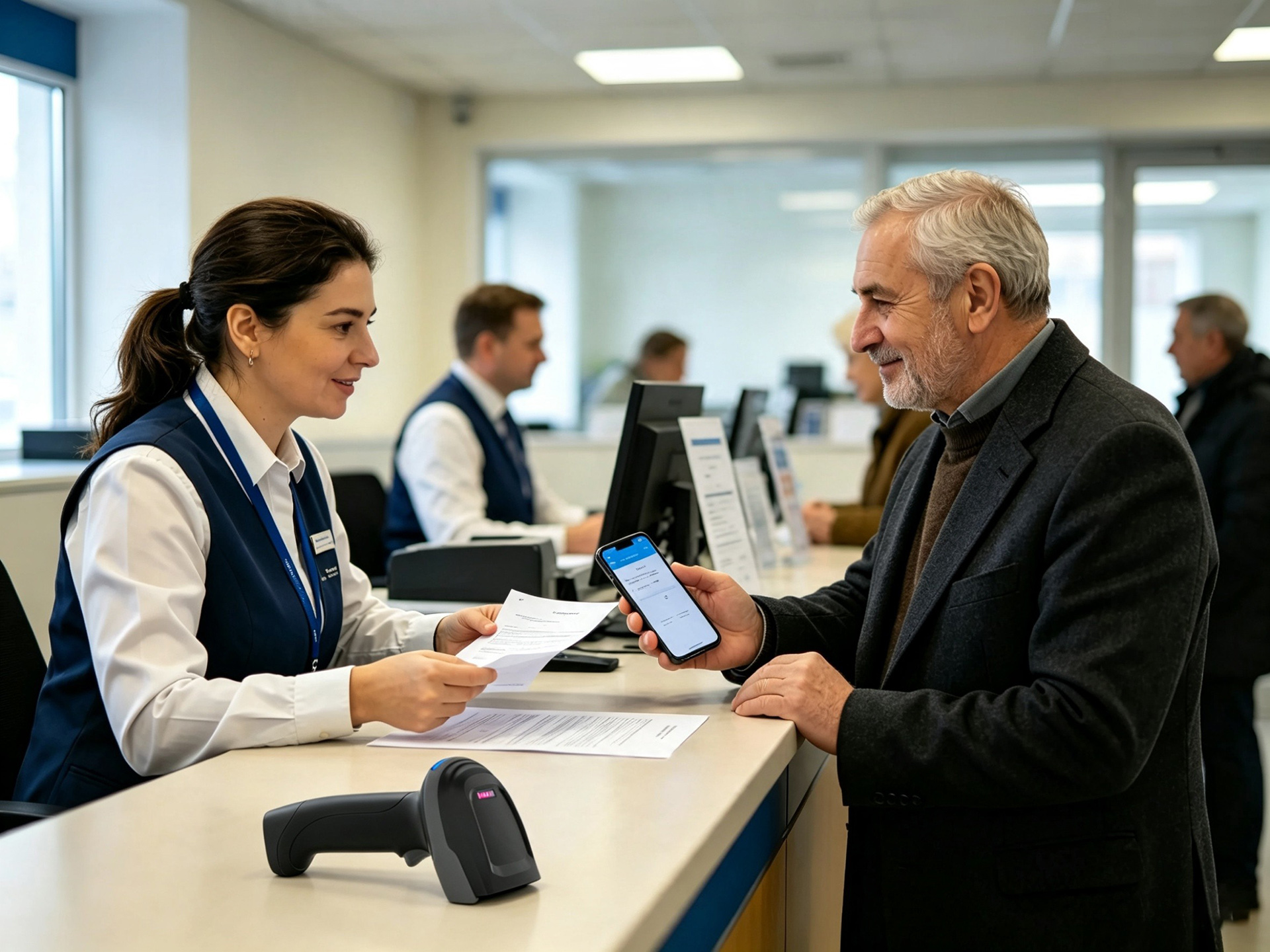
Look for omni-directional reading of both 1D and 2D, plus reliable screen-code capture. A clean, fixed base suits a tidy service desk, and simple driver-free setup eases IT rollout across many windows and branches.
Equip each window with a consistent model so training is uniform, and enable a clear confirmation cue for staff. Test the reader against the real ID and application formats in use, including codes shown on older phones. Keep a spare at the help desk to swap in if a unit fails during the day.

Equip every window with the same model so training stays uniform and staff move between desks without relearning. Test the reader against the real ID and application formats in use, including codes shown on older phones, since those are the ones that fail in practice. Keep a spare at the help desk to swap in if a unit fails mid-day, and enable a clear confirmation cue so clerks never wonder whether a scan registered.
Q: Can one reader handle ID barcodes and QR codes?
A: Yes. A 2D imager reads government ID barcodes and citizen QR codes from paper or screen.
Q: Is deployment difficult for many windows?
A: No. Xincode scanners use standard interfaces, so multiple windows can be equipped quickly.
Please select your service type and leave your information so that we can provide the appropriate service. Xincode looks forward to working with you.




1ST FIRST FLOOR, NO.146, SANSHUI AVENUE, YUNDONGHAI STREET, SANSHUI DIST., FOSHAN CITY, GUANGDONG PRO, CHINA.
+86-18998310186(Andy Wu)
cy@xincode.com