


Desks handle checkouts, returns, renewals and inventory. Self-loan stations let members serve themselves. Either way, the scanner must read book barcodes fast, often on worn covers and in dim light, because a misread sends the wrong due date to a patron.

Xincode 2D desktop image barcode reader read book barcodes reliably, including faded or curved labels. Counter handhelds suit staff desks; fixed or platform models fit self-service kiosks. Wireless options let staff roam for shelf inventory and weeding projects without dragging a cable.
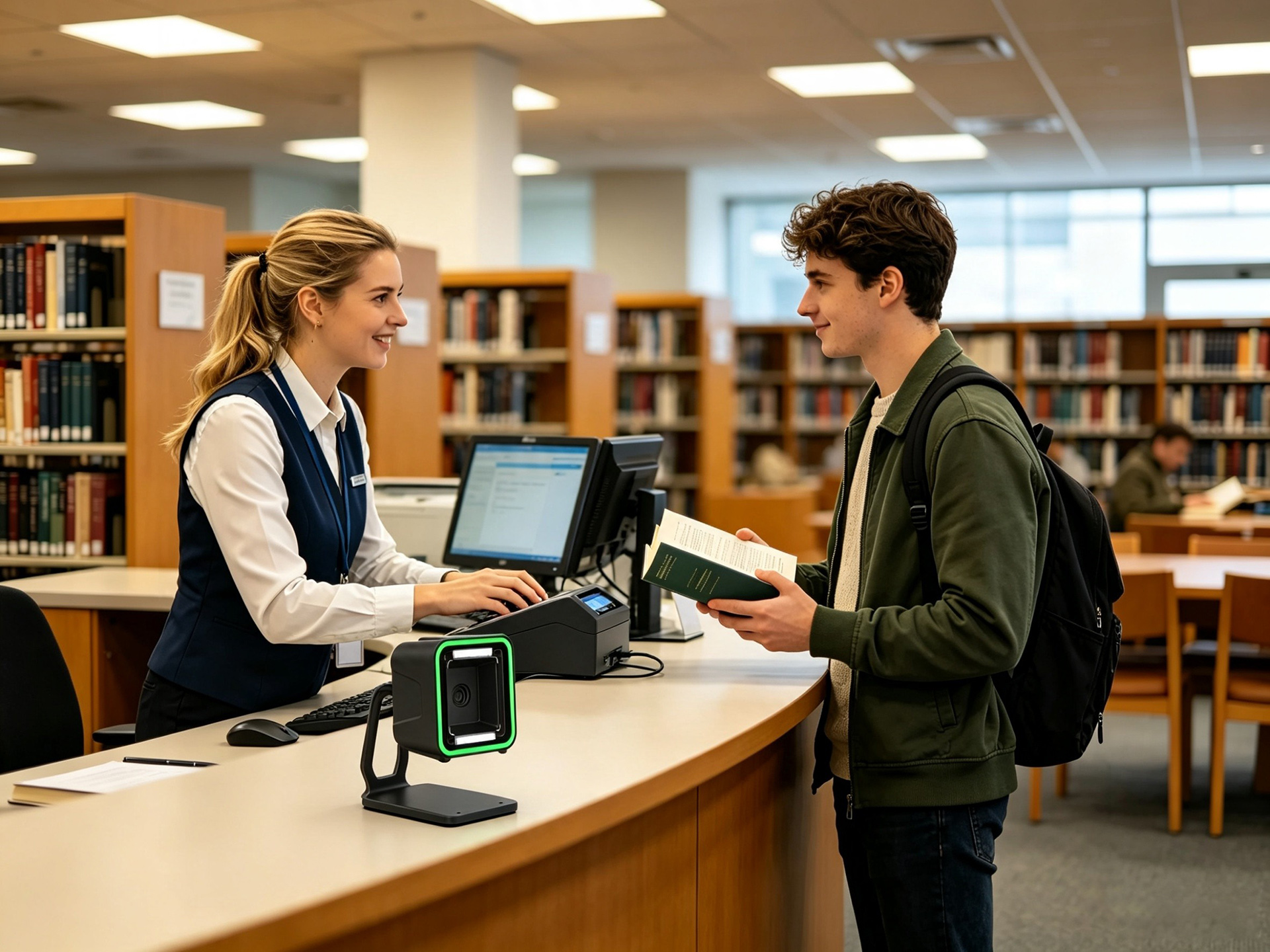
Look for dependable reads on aged labels and simple integration with your library system. A comfortable handheld helps long shifts; a fixed reader suits unattended kiosks, and a wide window helps first-time users at self-loan.
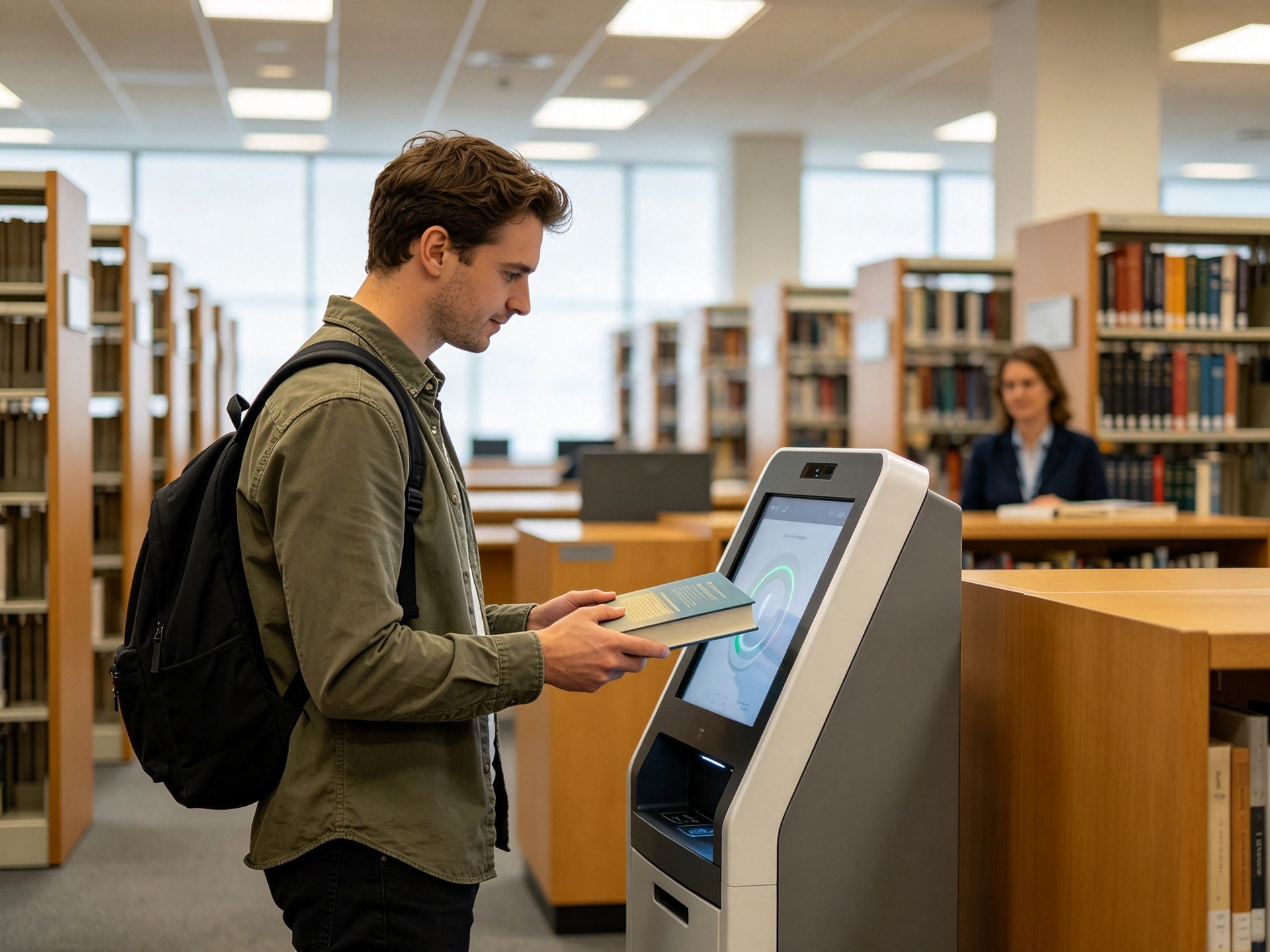
Enable a clear beep or screen cue so both staff and patrons get confirmation. Test the reader on the oldest books in your collection, not just new arrivals. For self-loan, calibrate to avoid reading the same barcode twice, and keep a staff override for damaged labels.

Most failures come from a handful of repeatable causes. Student assistants at self-loan stations often scan too fast or at the wrong angle, so a short on-screen prompt and a clear tone fix most issues. For weeding projects, scan the shelf tag and the book tag together so the system knows what left the shelf. Keep a staff override for the occasional damaged label, and never let a misread become a phantom missing book by confirming the title on screen before moving on.
Q: Can it read old or worn book barcodes?
A: Yes. Xincode imagers recover faded and curved labels common in libraries.
Q: Will it work with self-loan kiosks?
A: Yes. Fixed and platform models integrate with self-service stations.
Please select your service type and leave your information so that we can provide the appropriate service. Xincode looks forward to working with you.




1ST FIRST FLOOR, NO.146, SANSHUI AVENUE, YUNDONGHAI STREET, SANSHUI DIST., FOSHAN CITY, GUANGDONG PRO, CHINA.
+86-18998310186(Andy Wu)
cy@xincode.com