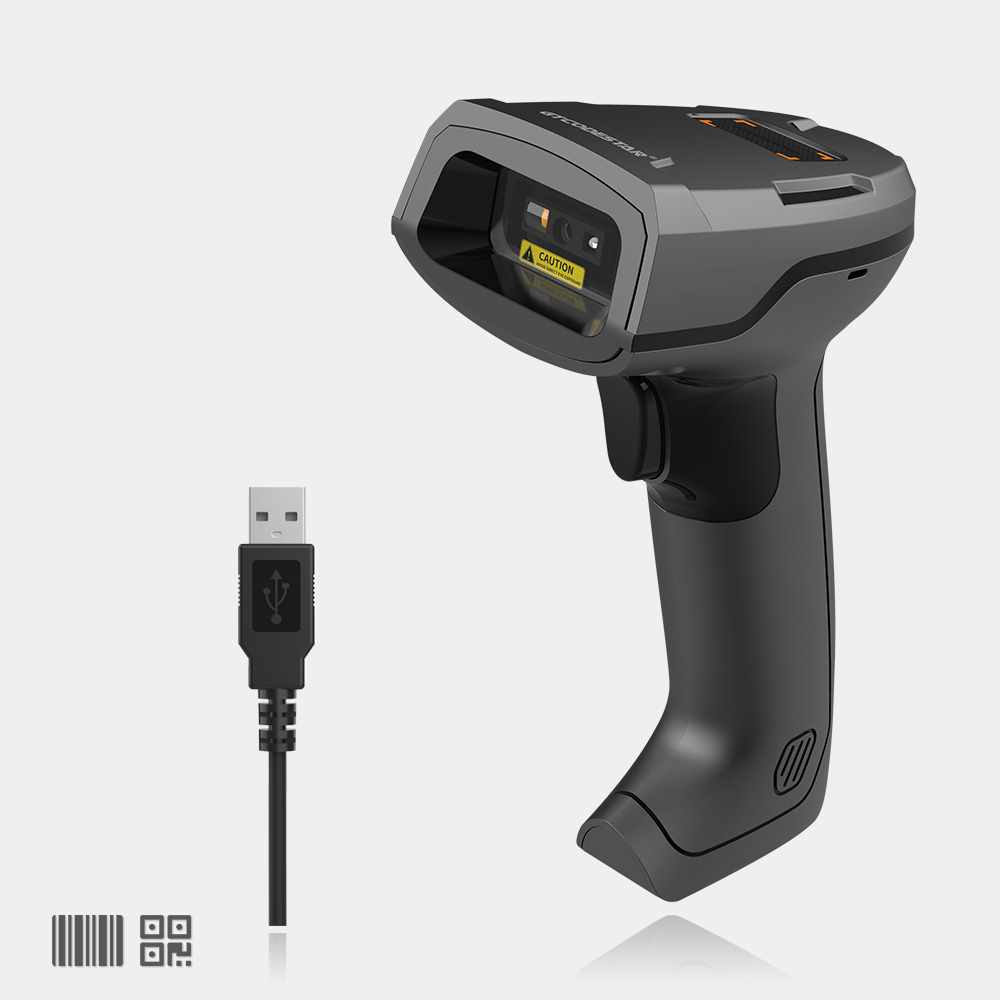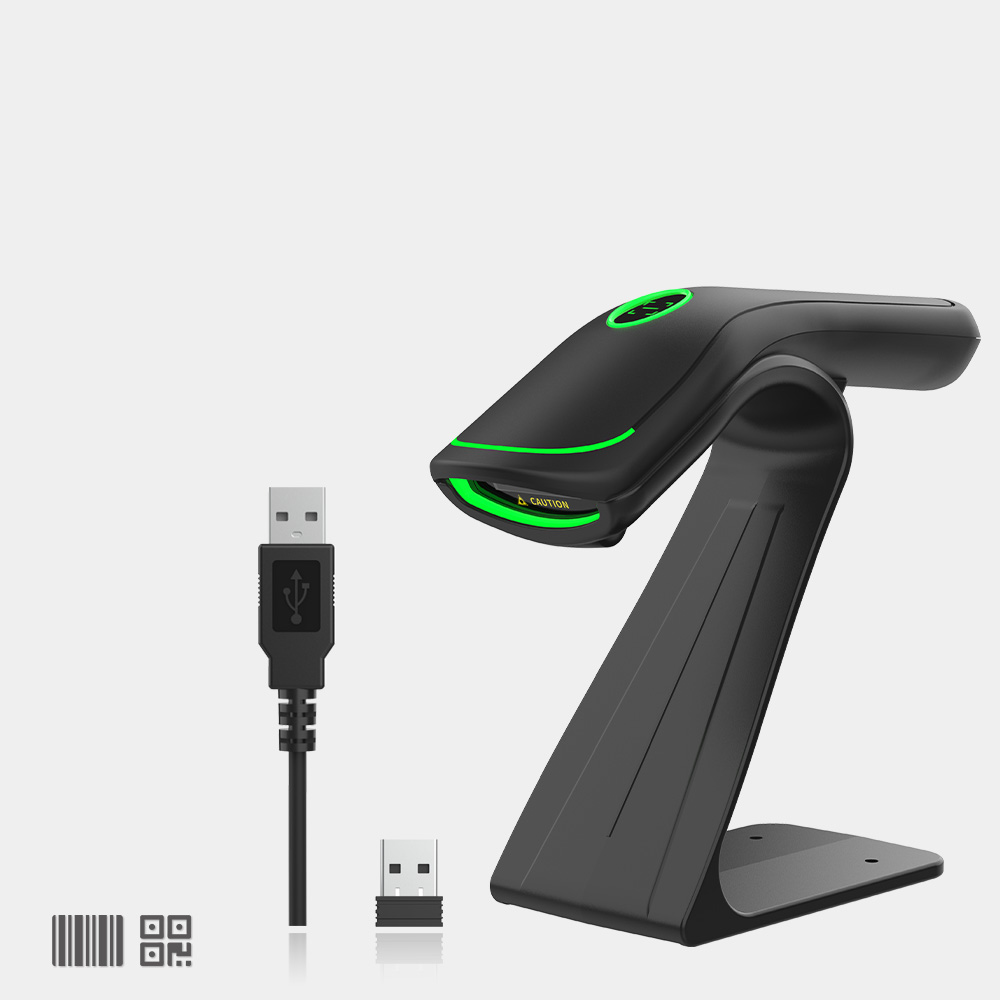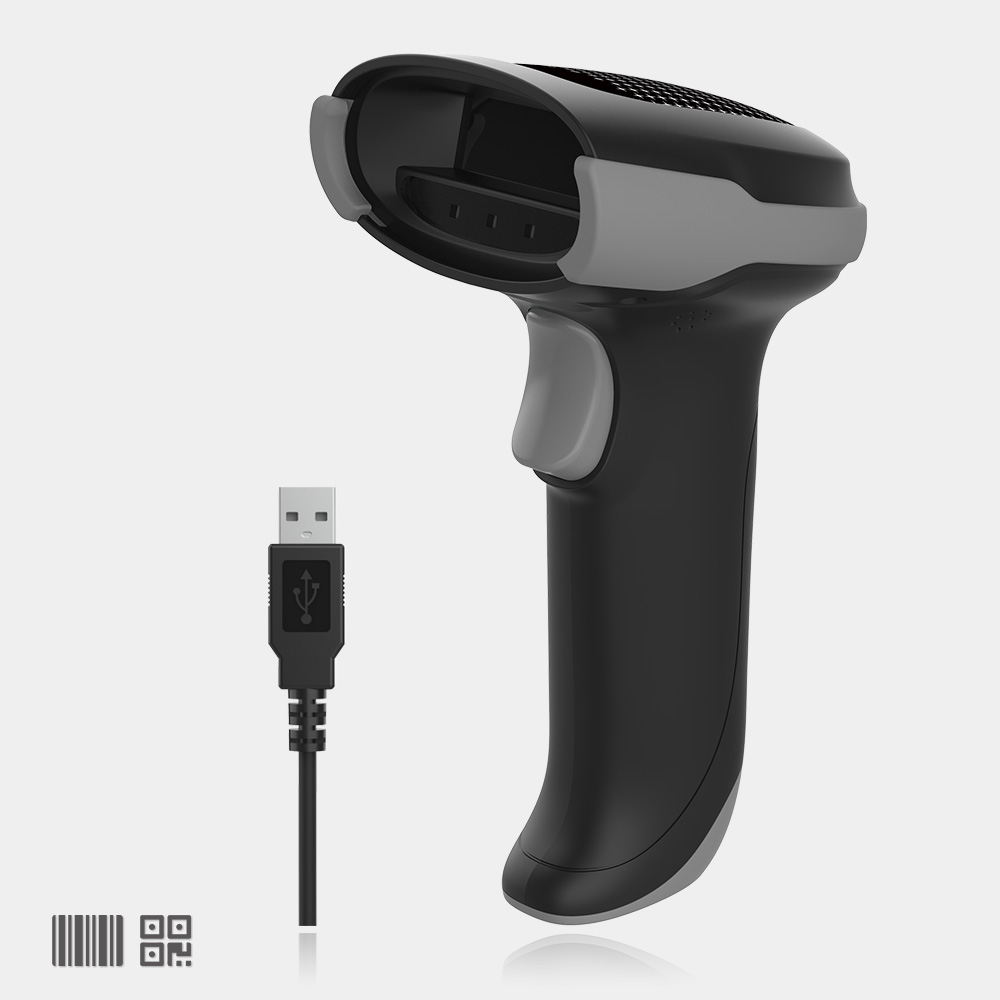
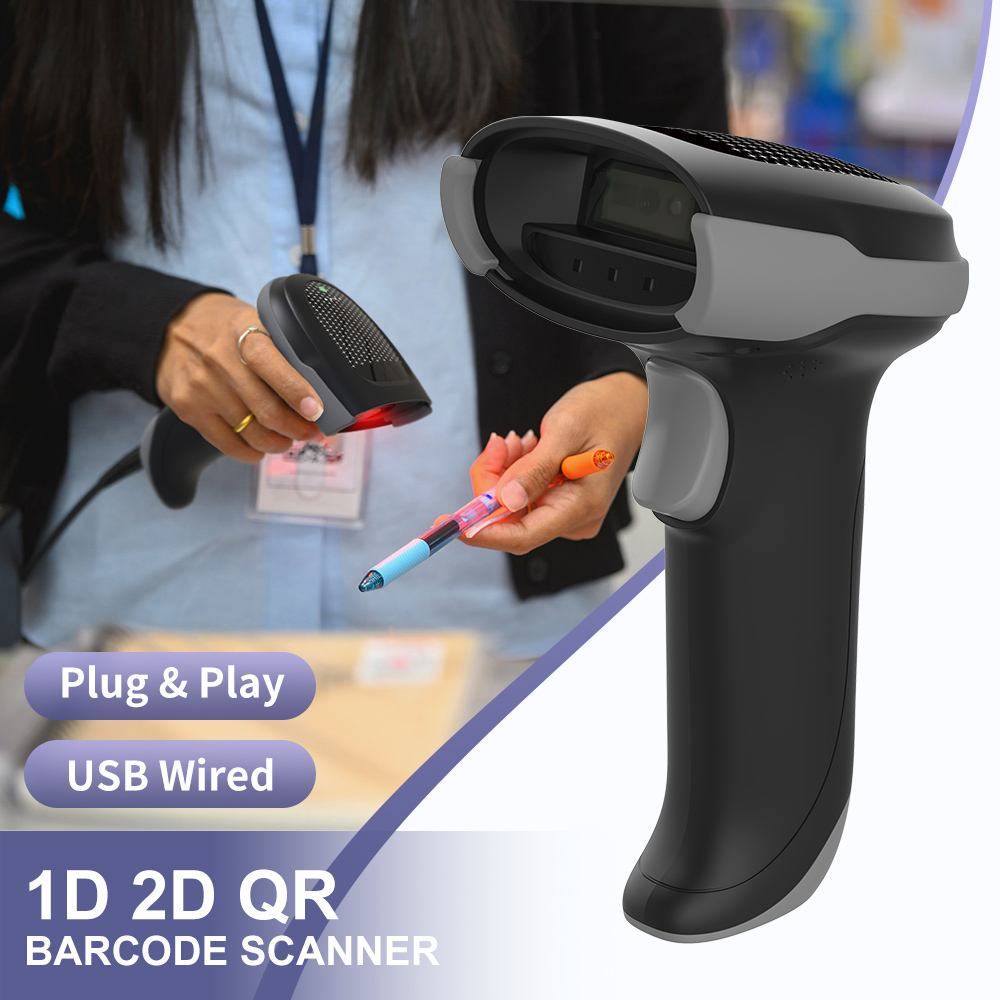
X-760 Wired 2D Barcode Scanner
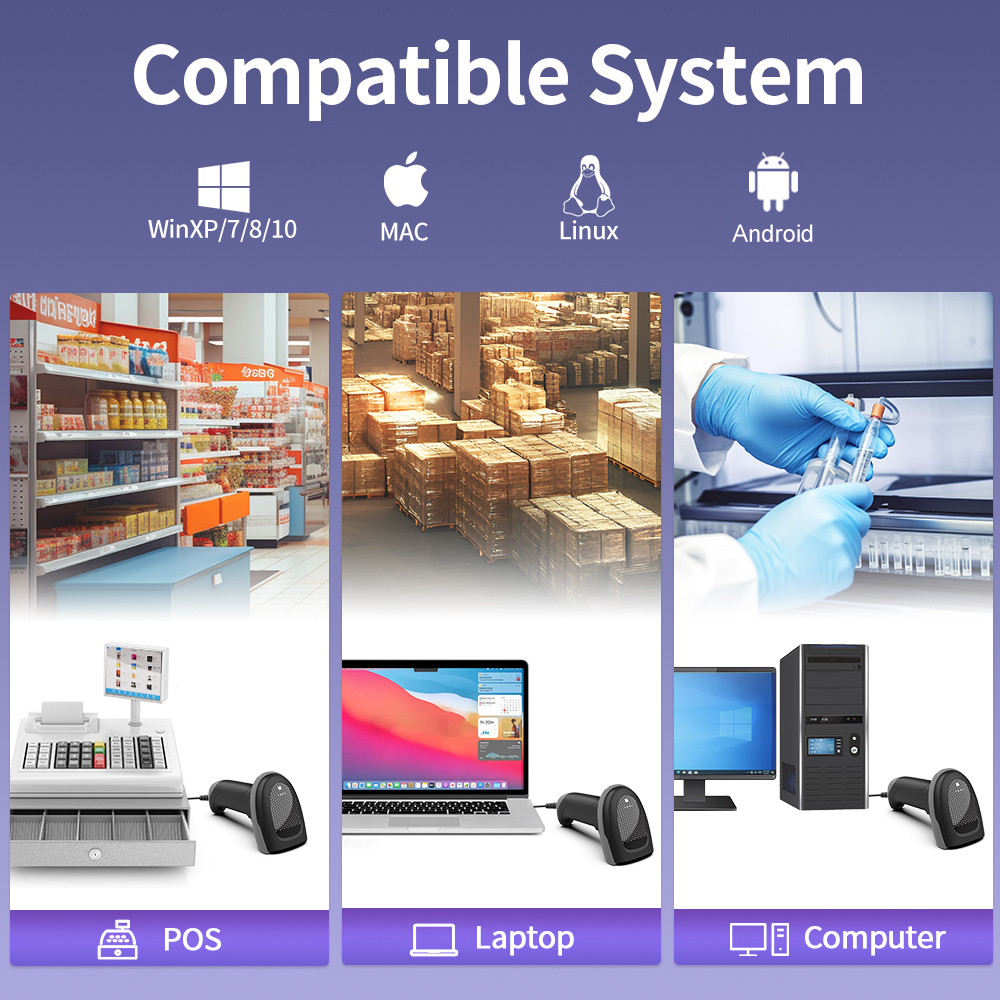
Application Industry
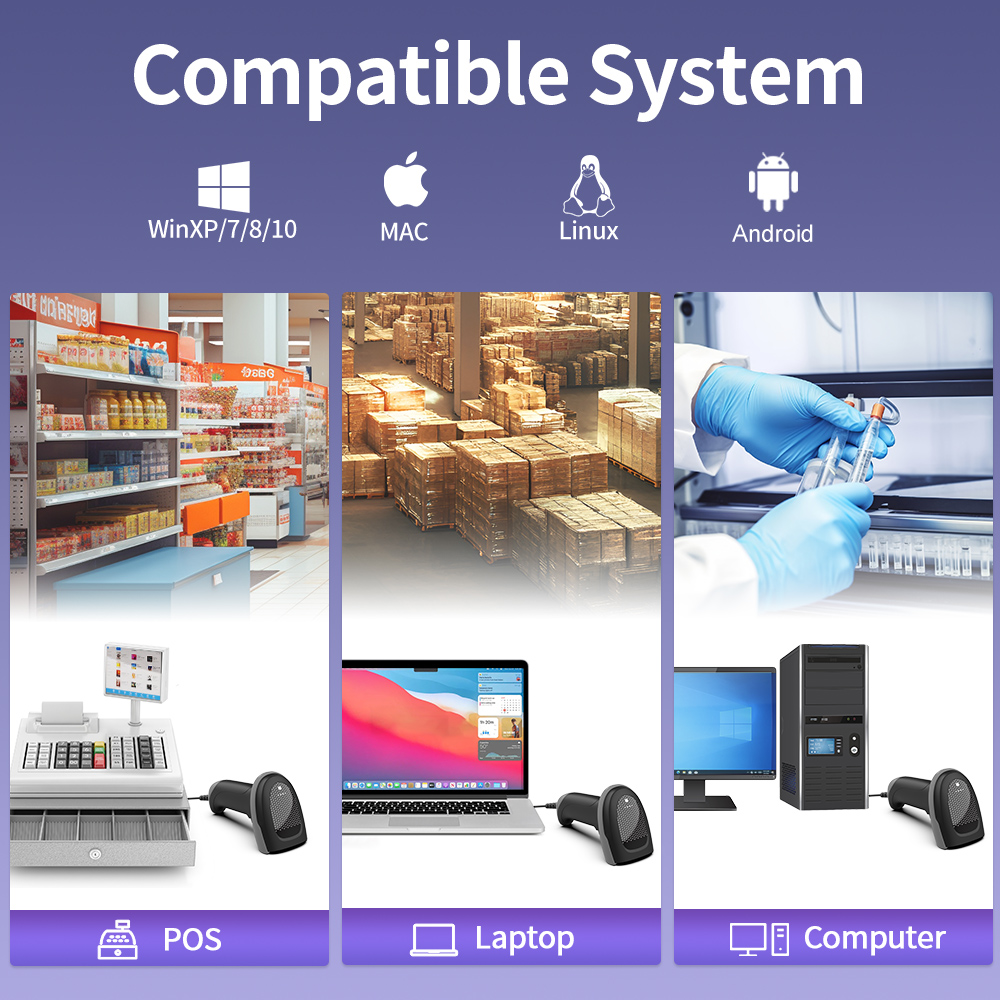
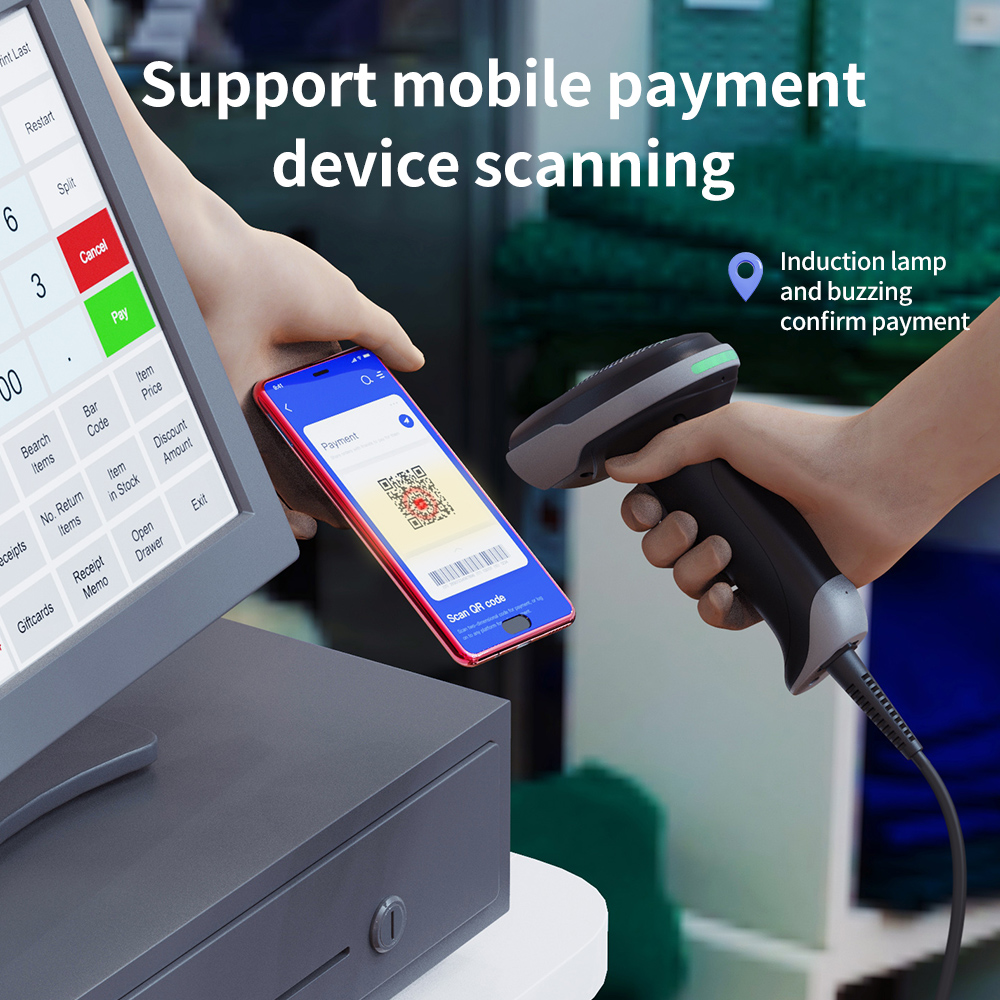
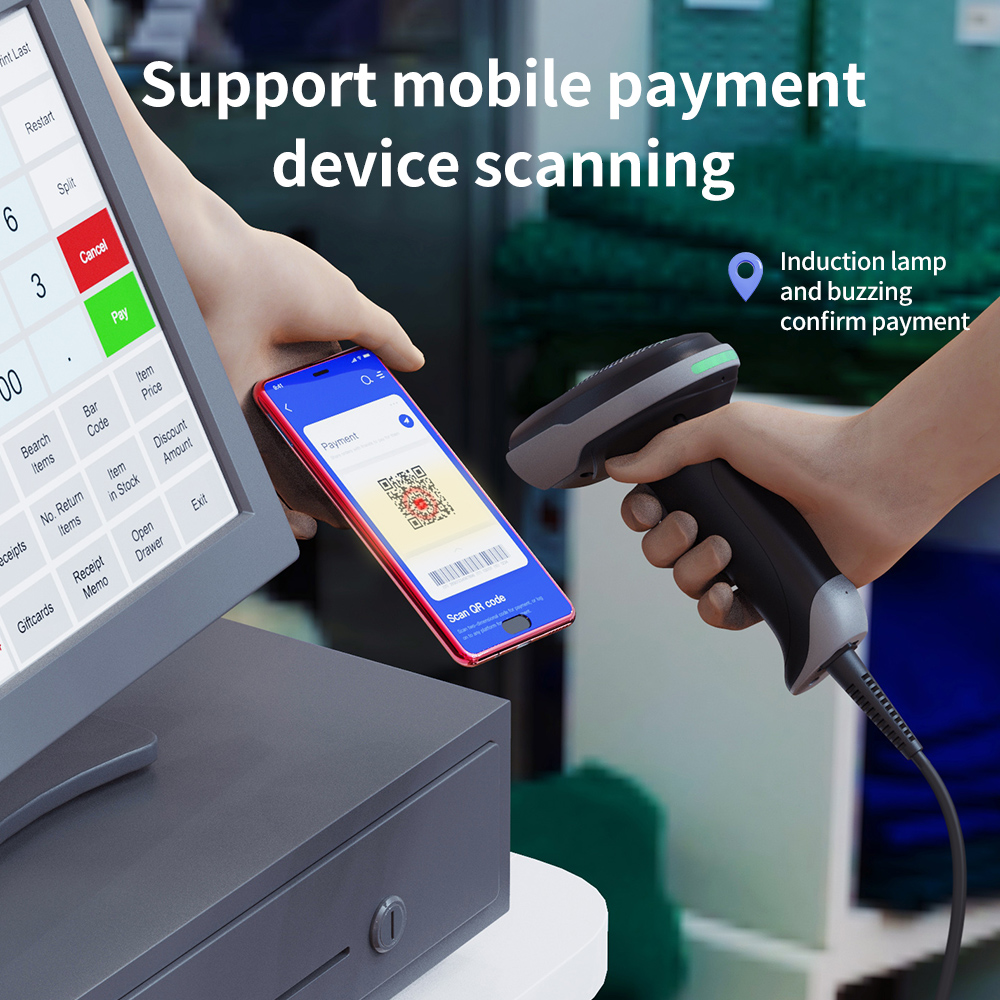
Medical treatment / Supermarket / Catering / Mobile payment
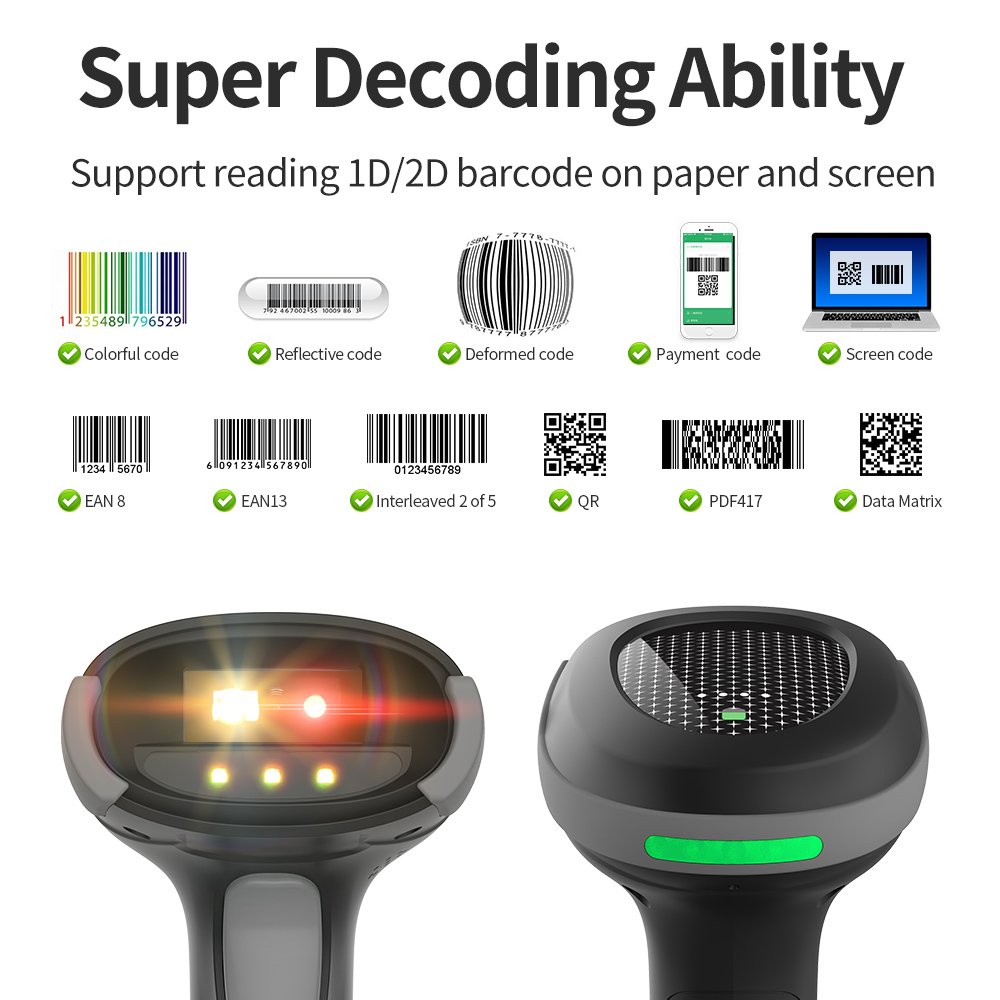
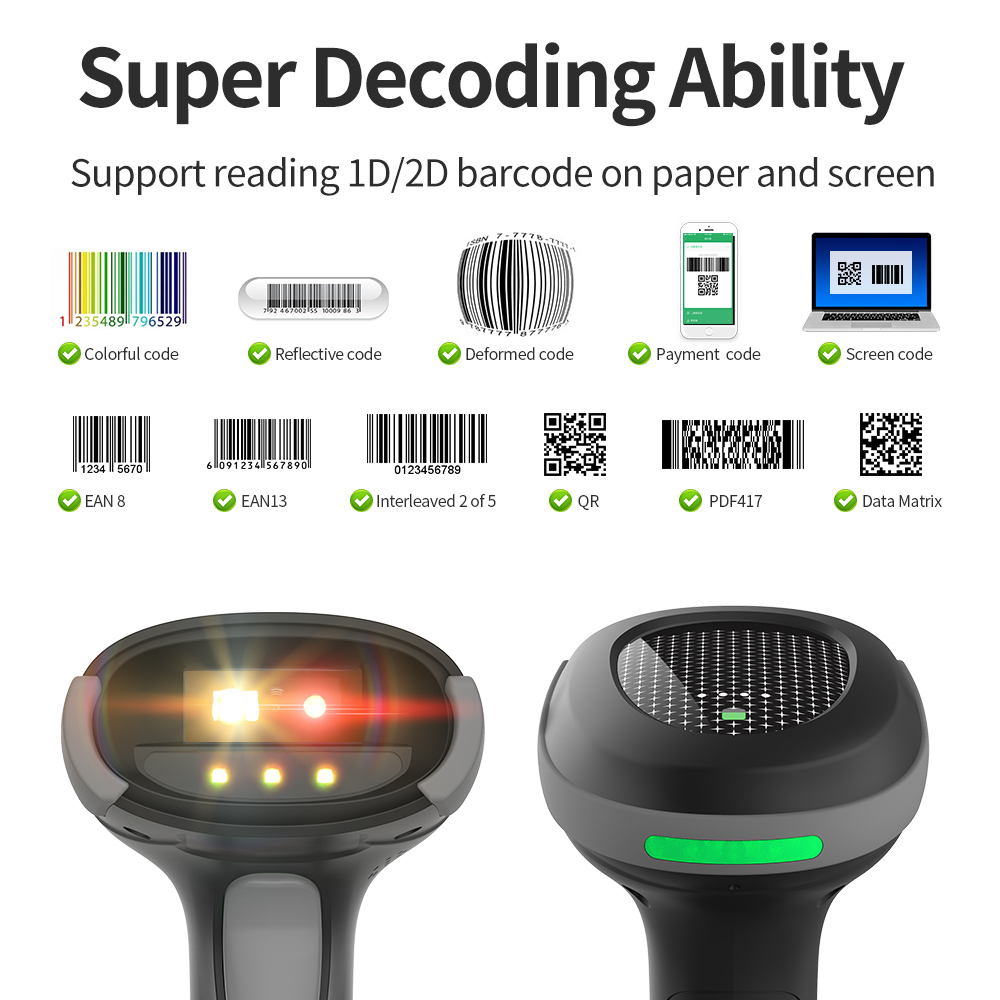
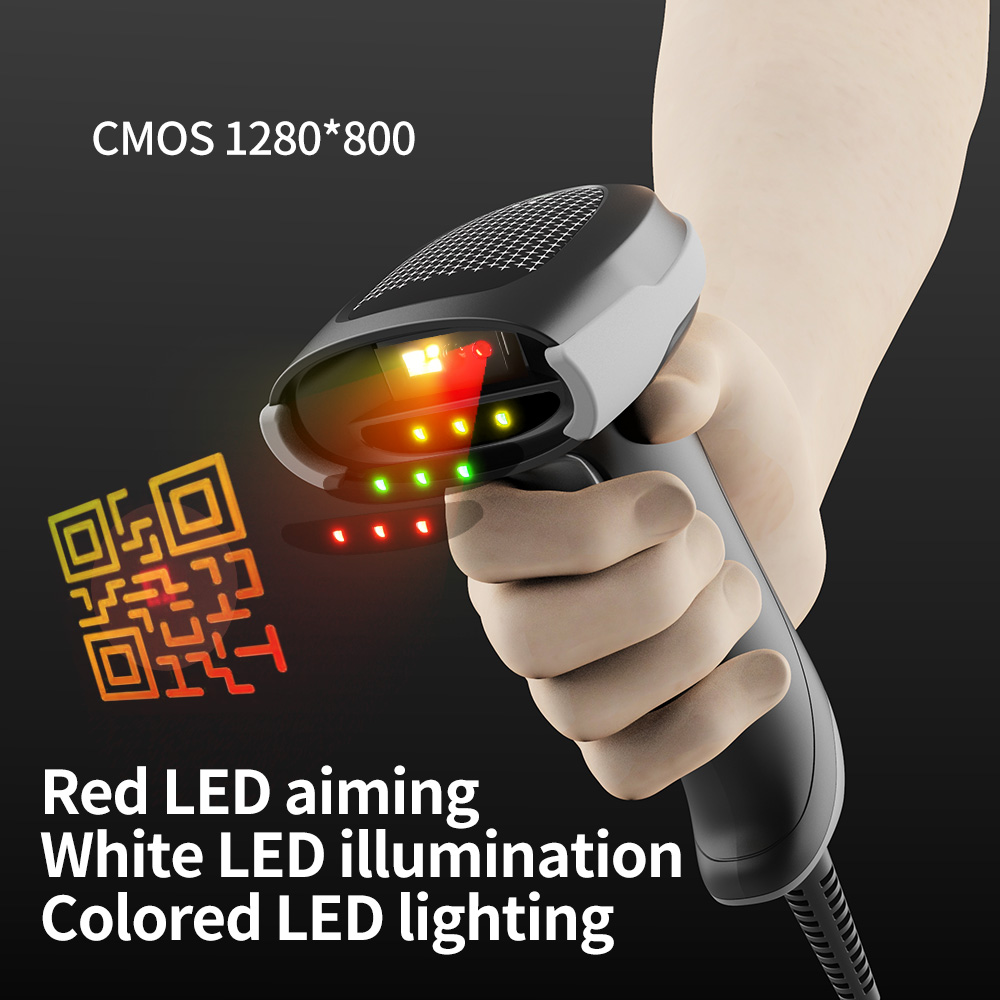
• Read common 1D/2D bar codes on screen or paper.
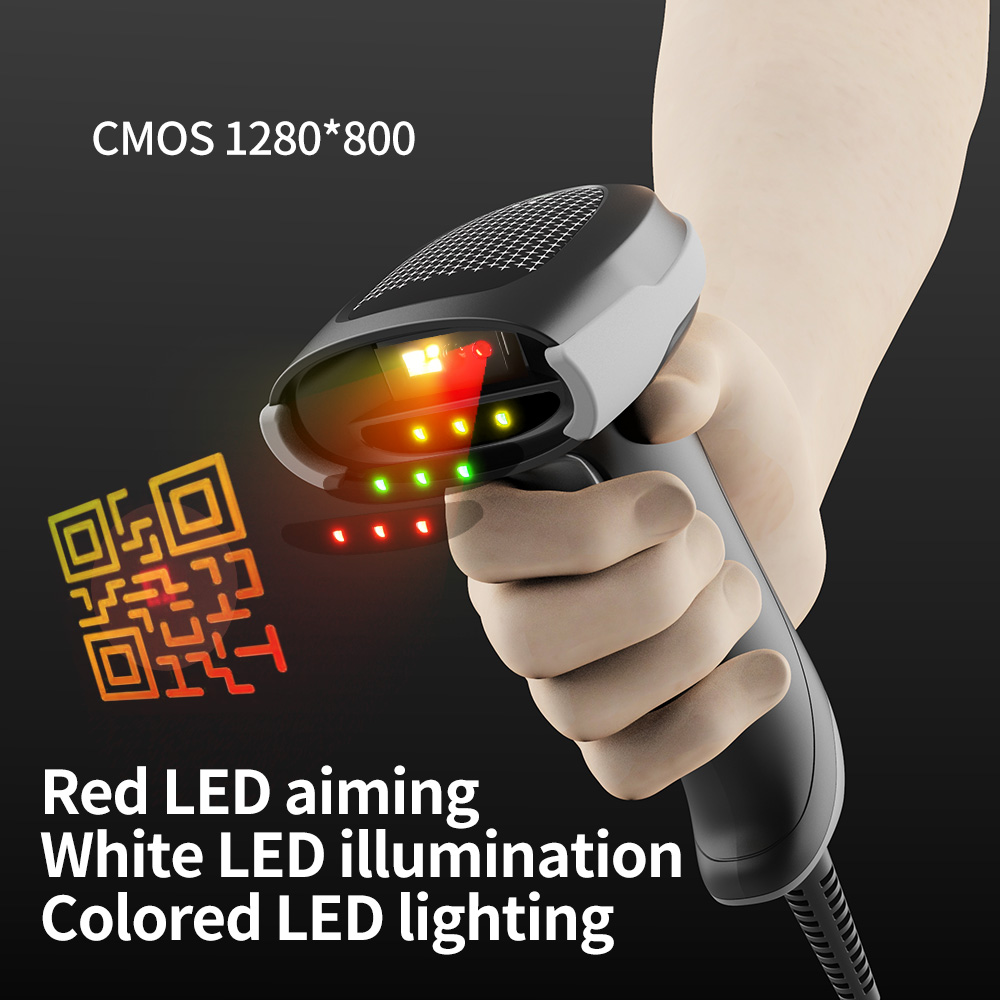
• Equipped with a three-color rotation function, when a suitable fill light source is
detected, the light color is automatically locked immediately, making scanning easier.
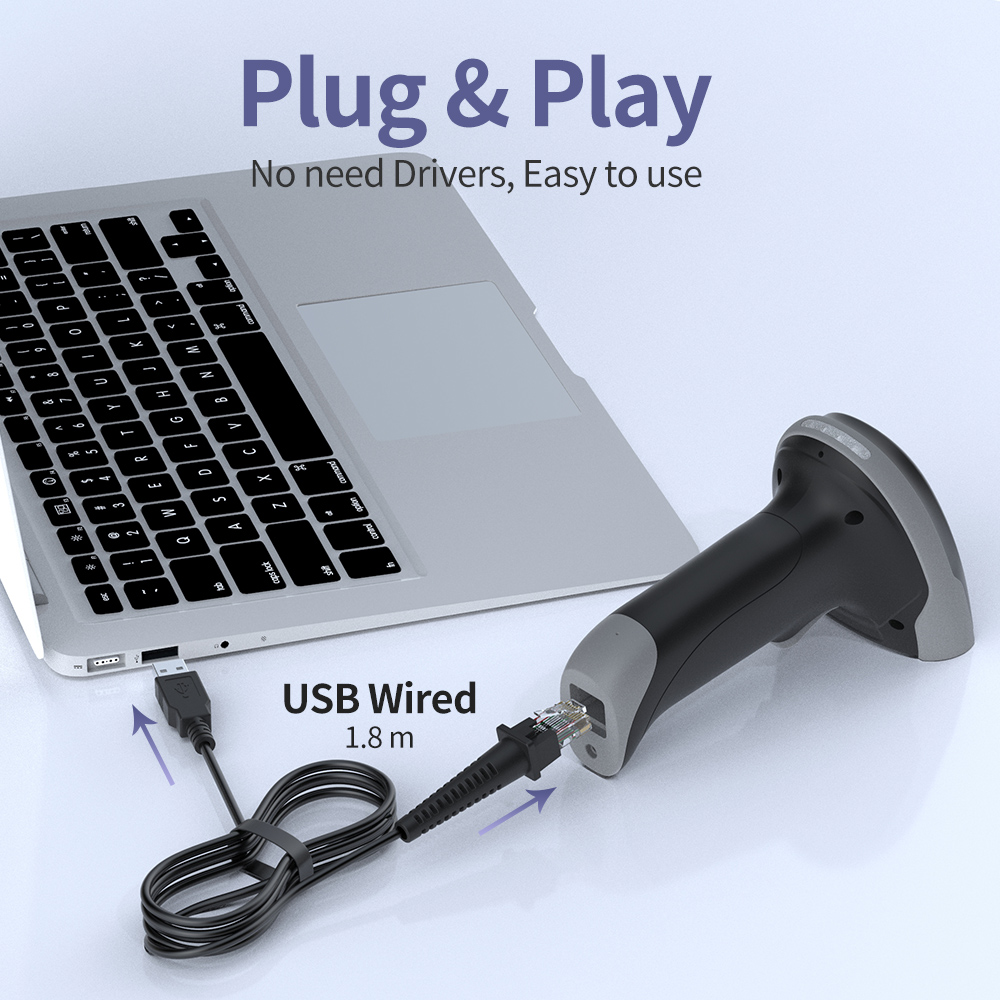
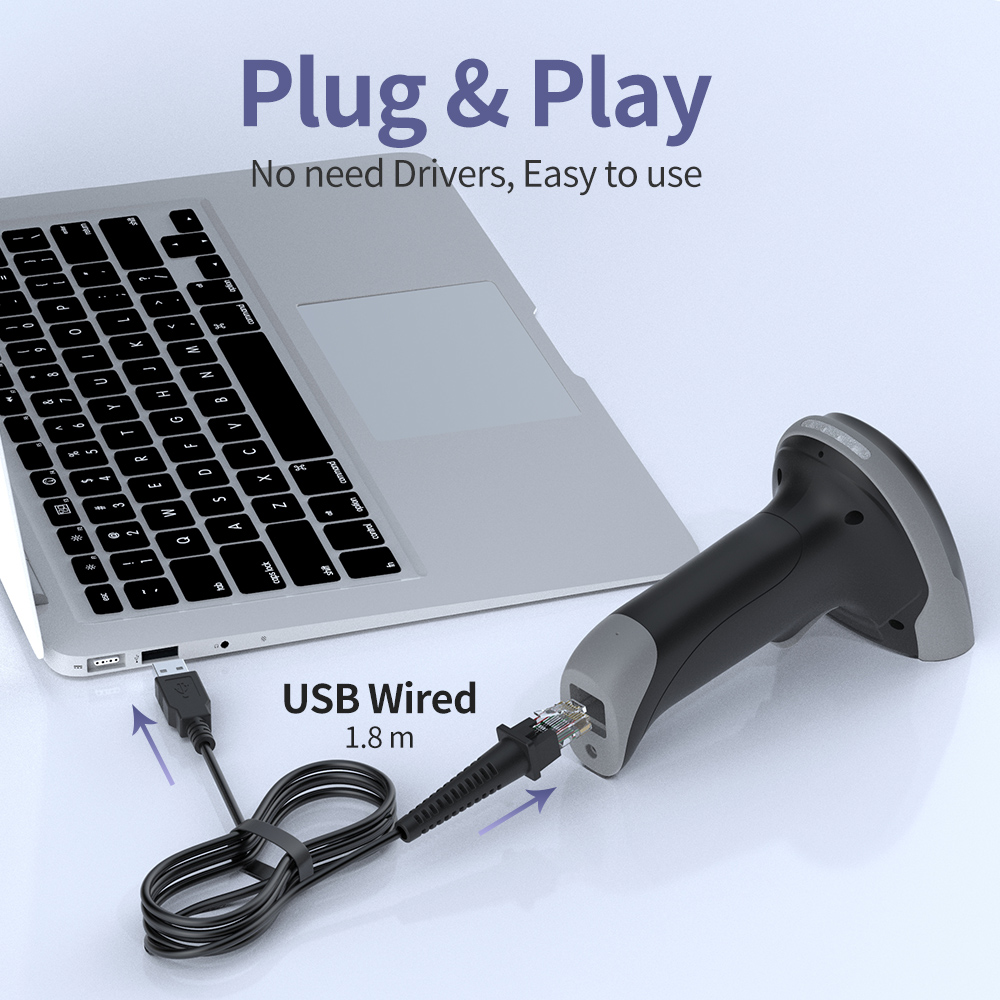
• Drive-free, plug and play.
• Support continuous scanning and automatic scanning.
Material ABS+PC+TPE
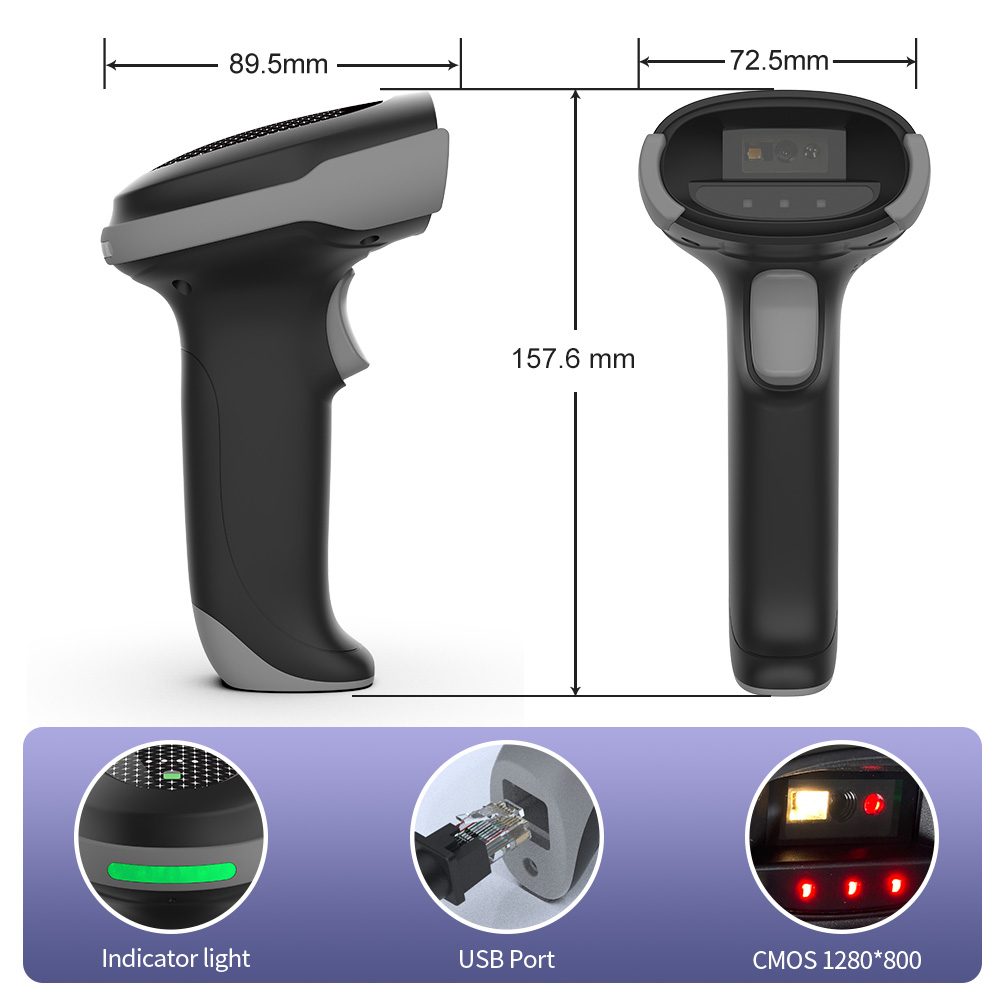
Size L*W*H: 157.6 * 89.5 * 72.5 (mm)
System Supported Linux, Android, MAC, Windows
Color Black
Feedback method Buzzer, Indicator Light (LED)
Button life > 10,000,000 times
IP Grade IP42
Shock Resistance Free fall 1.5m (concrete floor)
Power Supply DC 5V ±5%
Power Consumption 0.45W (standby) ; 1.25W (working) ; 1.6W (maximum)
Current 90mA (standby) ; 250mA (working) ; 320mA (maximum)
Weight 100g±5g (Excluding wire)
Error Rate 1/5000000
Interface USB; USB COM, RS-232 (customizable)
Sensor CMOS 1280*800
Light Source Red light LED aim + White LED illumination + RGB 3 Colored light LED illumination
Reading distance 10mm-1800mm
Motion tolerant Code128: 40cm/sec QR: 45cm/sec
Reading mode Image
Resolution ≥3mil
| Solutions FAQ | |||||||||
| Q:Can not turn on or turn off immediately after turning on | |||||||||
| A:This situation is mostly caused by insufficient battery power, please charge in time to ensure sufficient power (the red light is on when charging, and the red light is off when fully charged) | |||||||||
| Q:Barcode data is not uploaded | |||||||||
| A:The scanner and receiver are not successfully matched, please match the machine according to the instructions; maybe the distance between the scanner and the receiver is far, please set it to inventory mode in advance (the barcode will be automatically uploaded within the acceptance range) | |||||||||
| Q:There is a laser line, but can't read the bar code. | |||||||||
| A:Maybe the barcode system is not turned on, follow the instructions to open it; try other barcodes to confirm whether the barcode has been damaged; it is also possible that the scanning angle is irregular,please adjust it according to the manual. | |||||||||
| Q:The scanned data is displayed incorrectly on the host | |||||||||
| A:Maybe the input method is wrong, please convert the input method to standard English or you can reset the barcode scanner, or contact the manufacturer's service center. | |||||||||
| Q:Other cases cannot be decoded | |||||||||
| A:It may be an error in the switching device, turn off the power of the device and connect the device and the scanner correctly, then turn on the power of the device, reset the scanner to the factory default state and scan the barcode again. |
Please select your service type and leave your information so that we can provide the appropriate service. Xincode looks forward to working with you.




1ST FIRST FLOOR, NO.146, SANSHUI AVENUE, YUNDONGHAI STREET, SANSHUI DIST., FOSHAN CITY, GUANGDONG PRO, CHINA.
+86-18998310186(Andy Wu)