
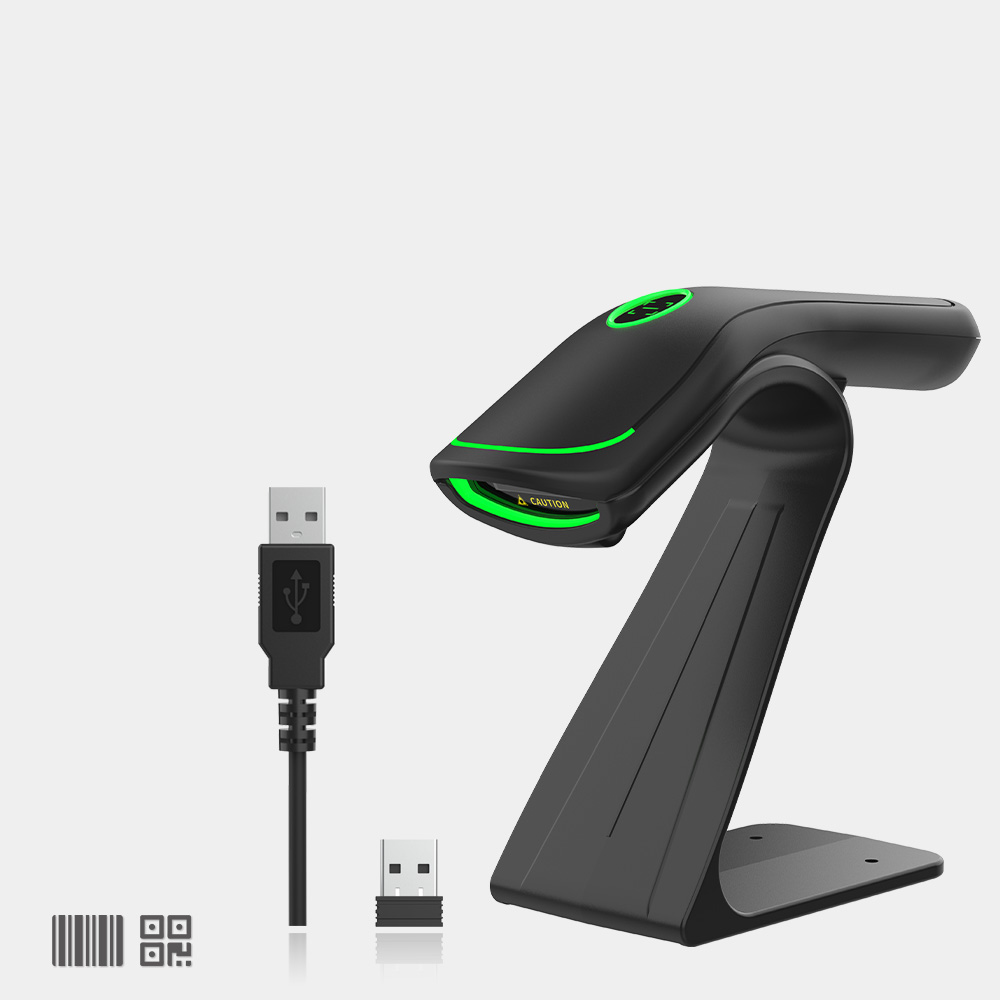
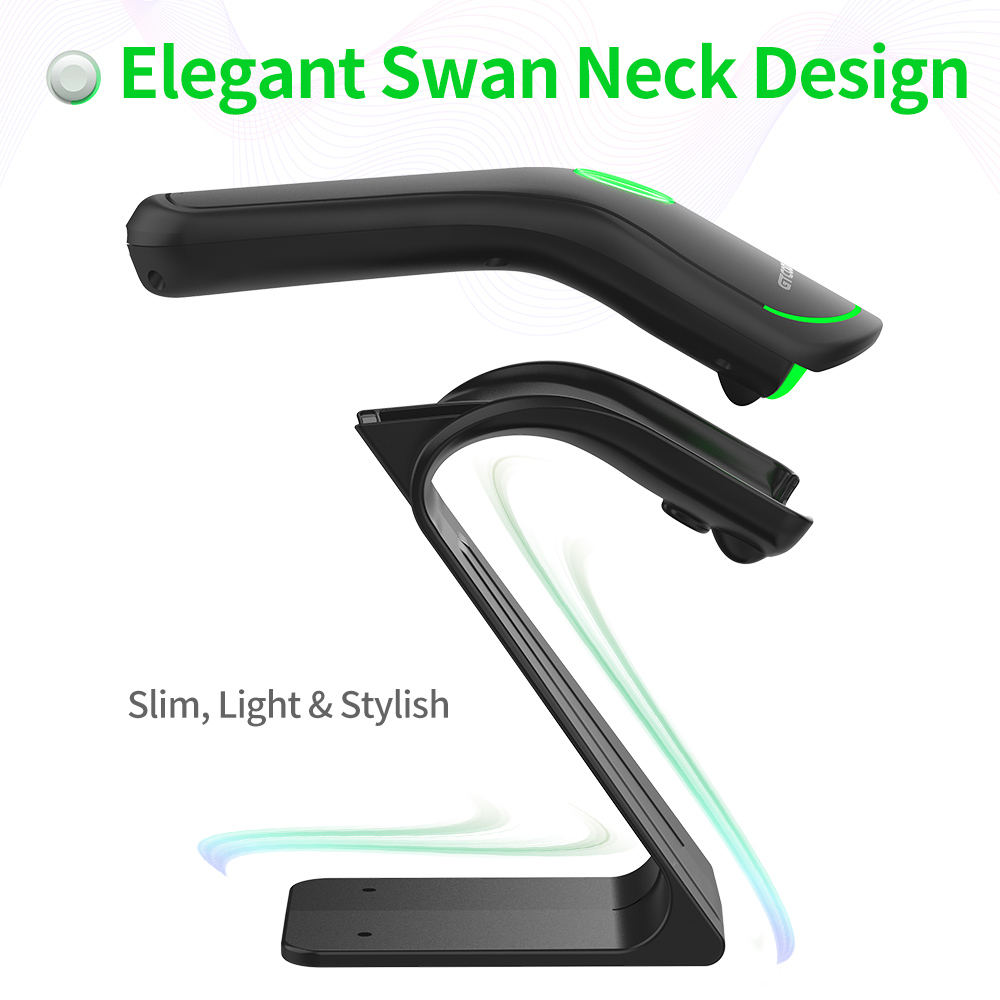
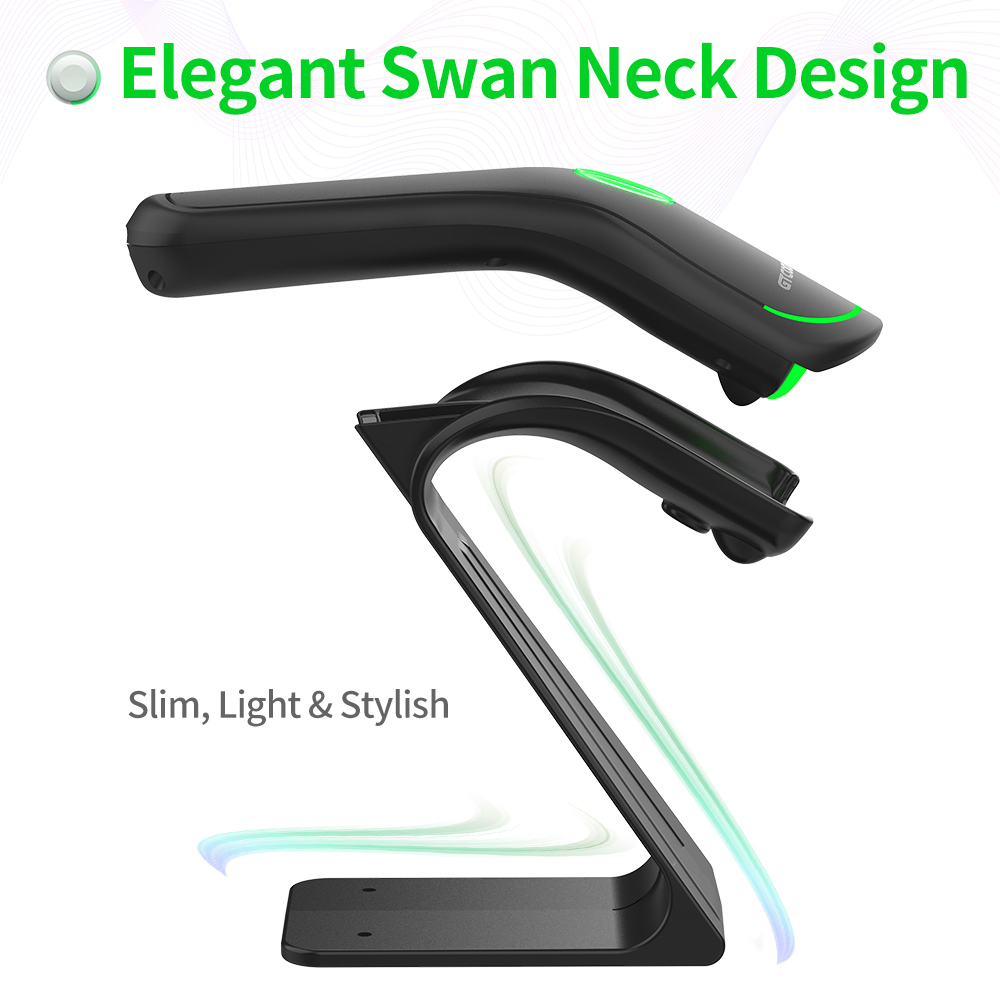
GT-3501B 2D Wireless Barcode Scanner
Application Industry
Medical treatment / Supermarket / Catering / Mobile payment
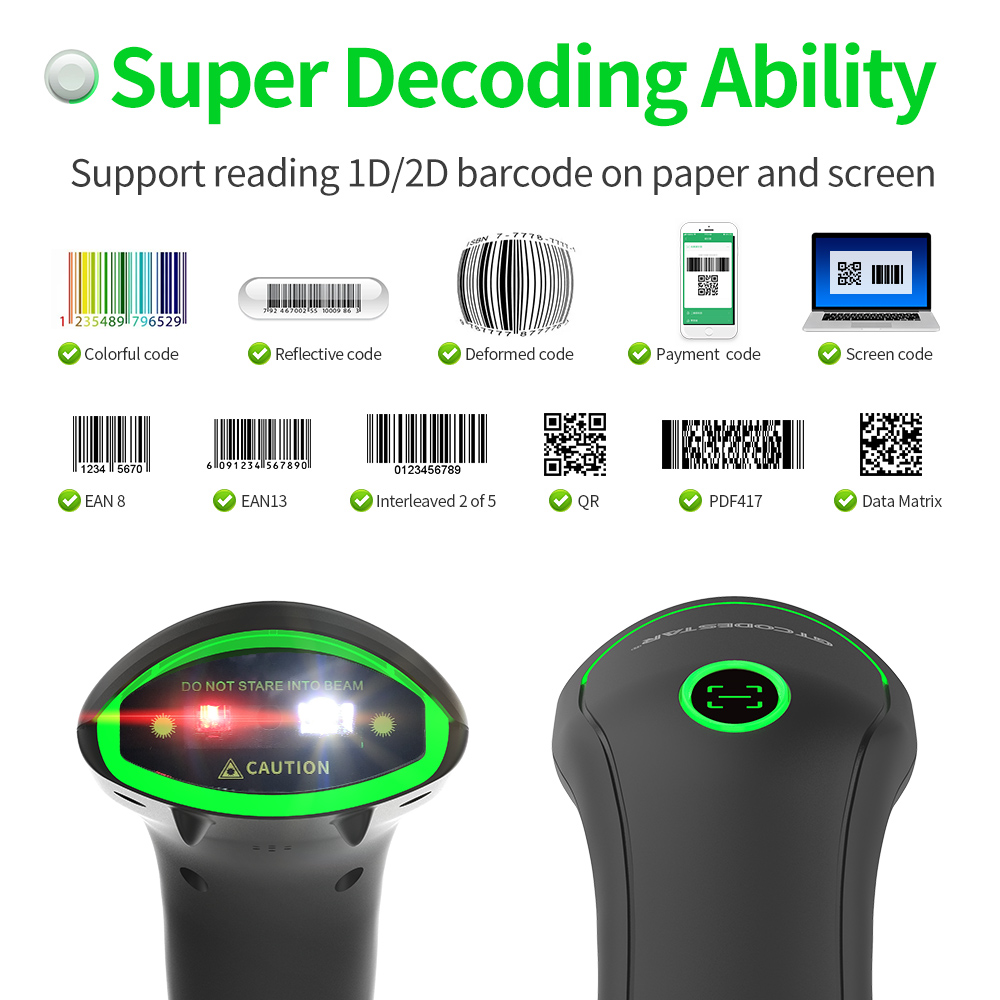
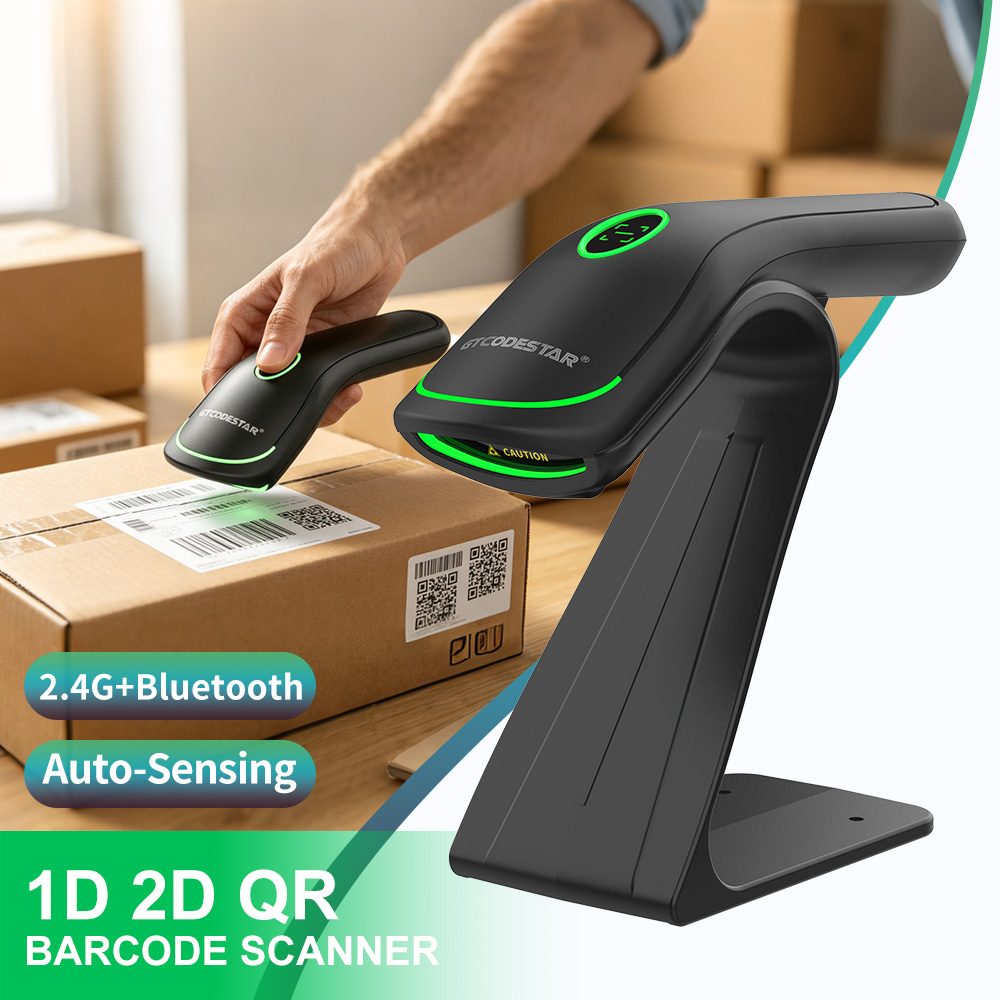
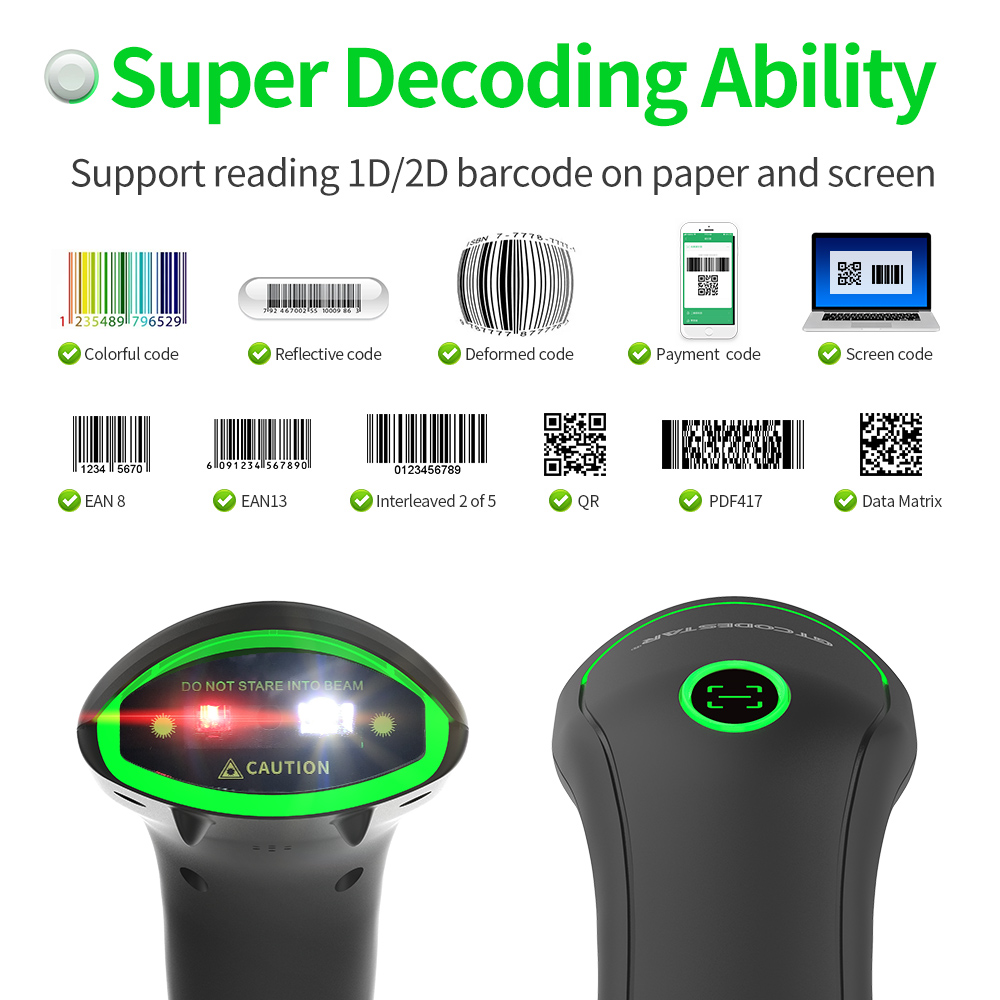
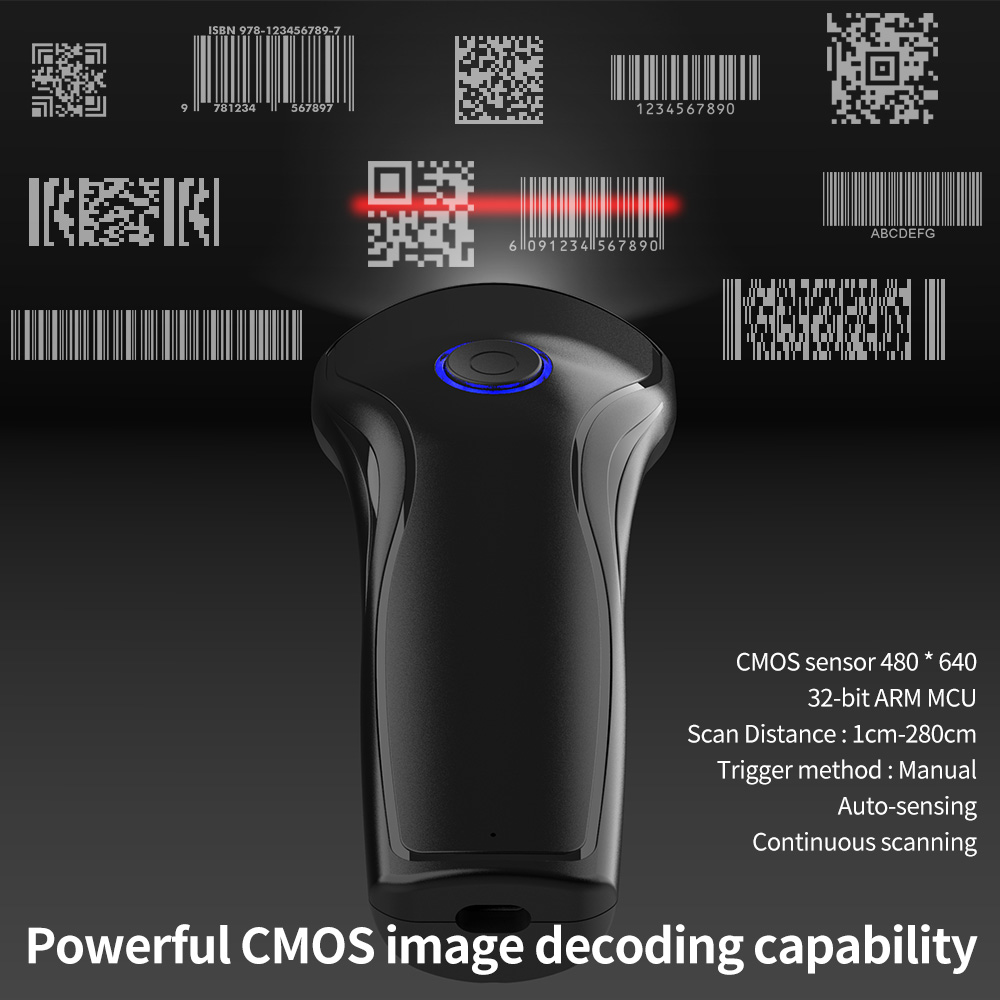
• Read common 1D/2D bar codes on screen or paper.
• Simple and fast screen payment code capture ability, which can accurately cope with
various mobile payment scenarios.
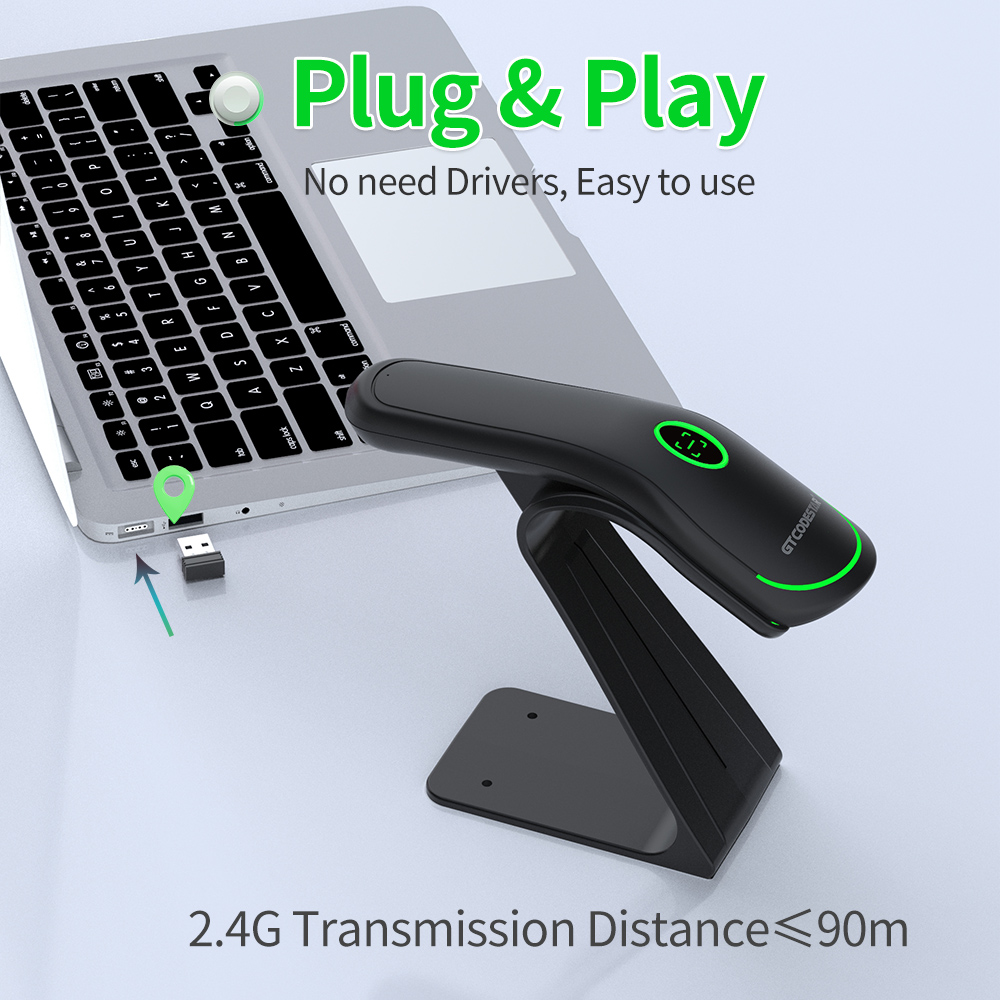
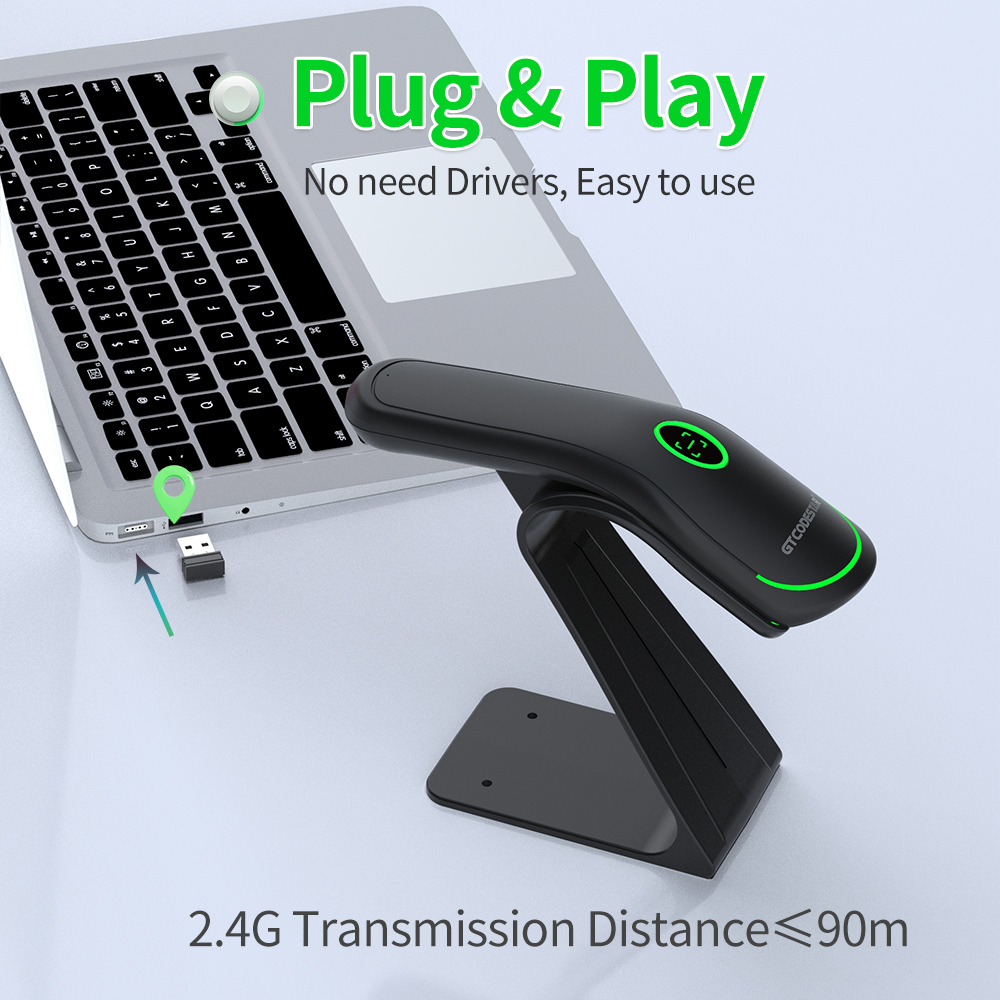
• Drive-free, plug and play.
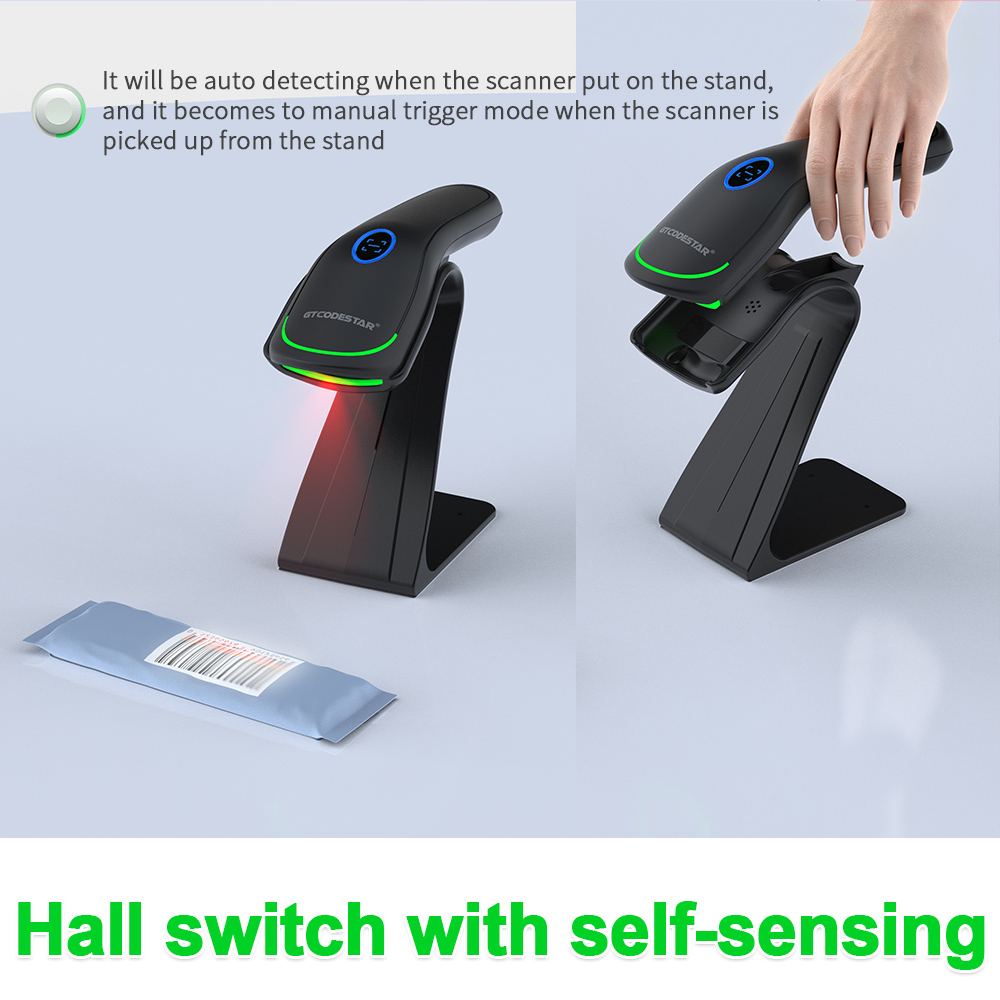
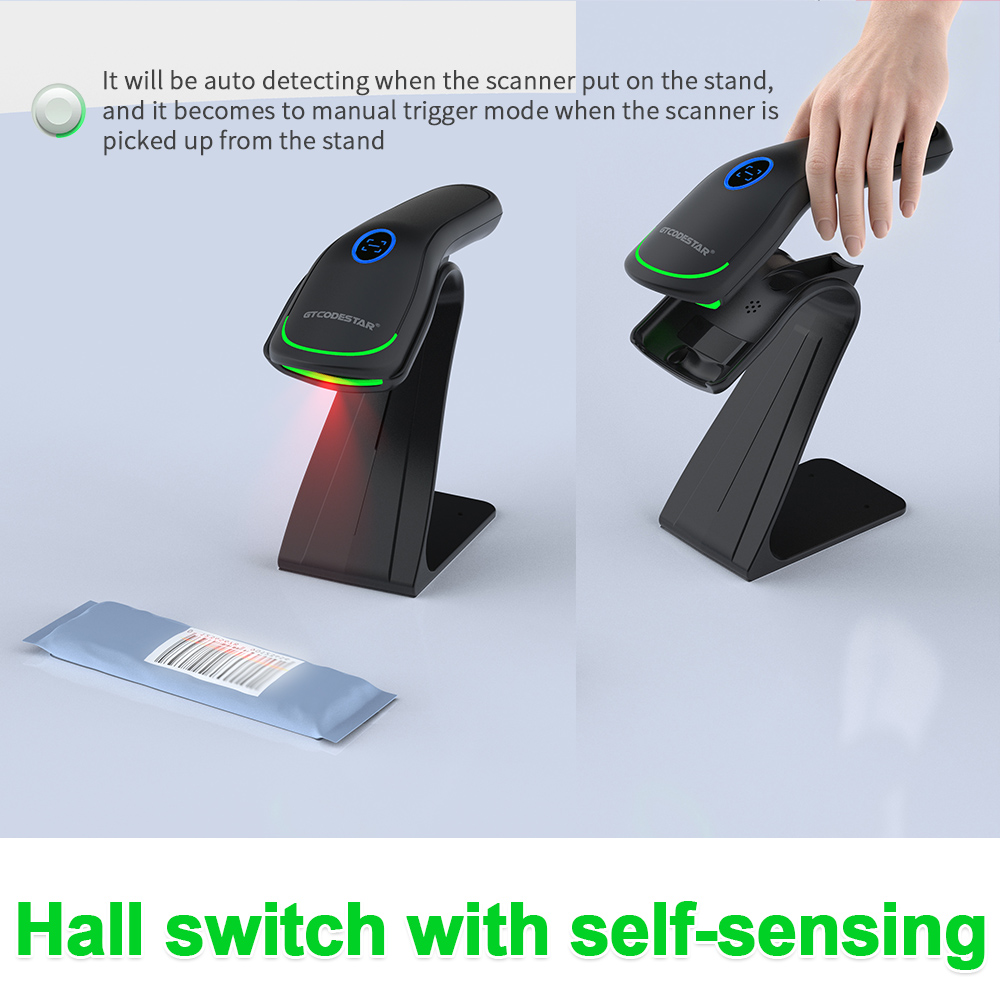
• Support manual, auto-sensing, continuous scanning, can switch freely
| X-36378 Technical Specifications | |||||||
| Model | X-36378 | ||||||
| Product Name | 2D Wireless Barcode Scanner | ||||||
| Physical Specifications | |||||||
| Material | ABS+PC | ||||||
| Power Supply | Charging DC 5V ±5% ; built-in 3.7V 800mA lithium battery | ||||||
| Power | 0.45W(operating); 0.25W(standby); 0.80W(peak) | ||||||
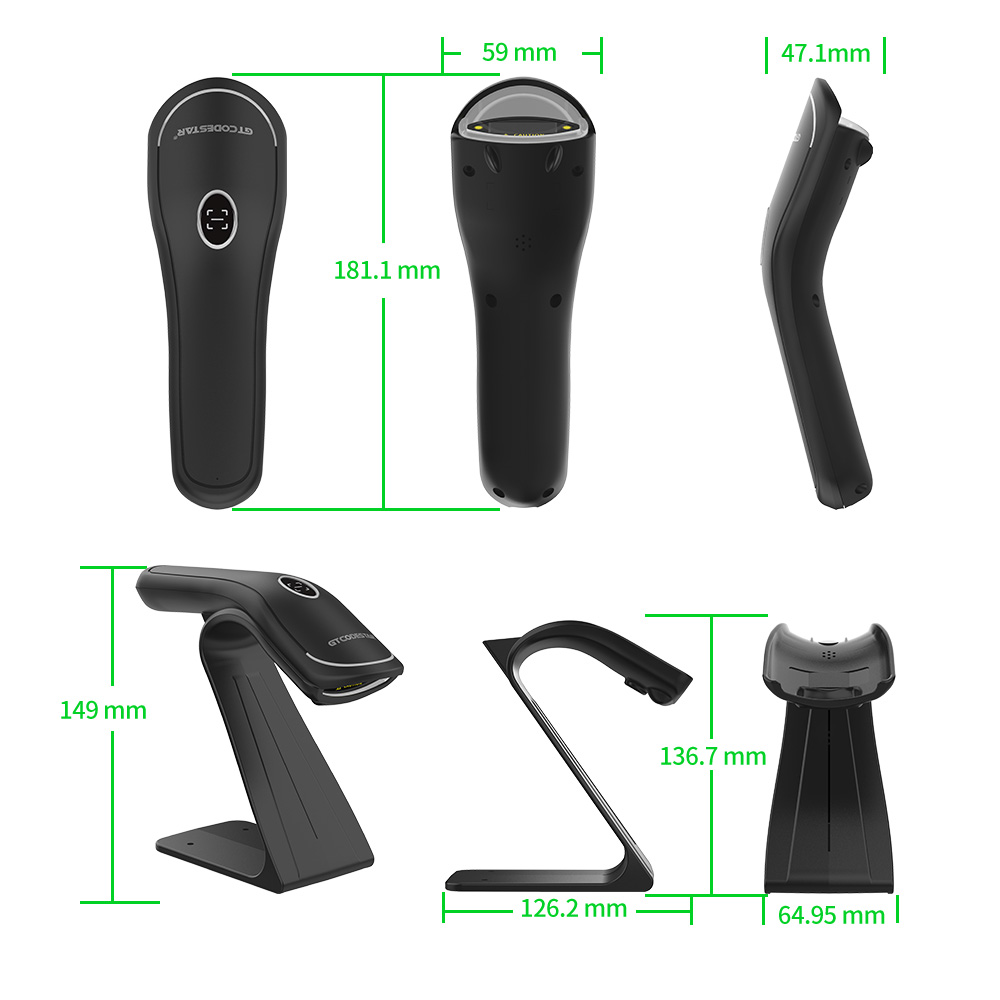
| Weight | 125.4g±5g(excluding cable) | ||||||
| Scanner Dimensions | L × W × H:181.1 * 59.0 * 47.1(unit: mm) | ||||||
| Color | Black, White | ||||||
| Button Life | >100,000 presses | ||||||
| Performance Specifications | |||||||
| Data Upload | USB;2.4G;Bluetooth | ||||||
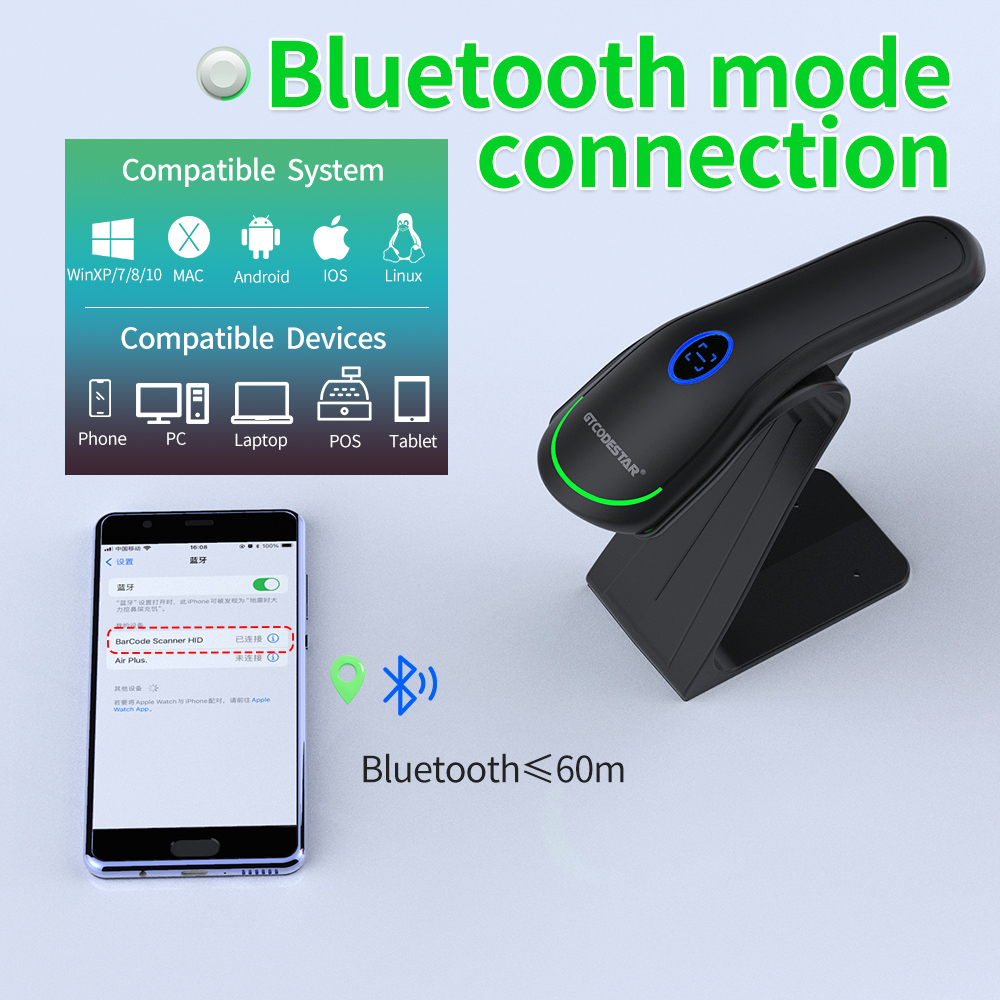
| Supported Operating Systems | Linux,Android,Windows XP, 7, 8, 10,MAC | ||||||
| Supported Keyboard Languages | English-United States;French-Canada;Dutch-Netherlands;Spanish-International;Latin American Spanish-Argentina;Portuguese-Brazil;Danish-Denmark;English-United Kingdom;Italian-Italy142;French-France;German-Germany;Portuguese-Portugal;Finnish-Finland;Turkish-F;Japanese; Russian-Russia;Northern Sami-Norway [Supports multiple keyboard layouts] | ||||||
| Sensor | 640×480 CMOS sensor | ||||||
| Processor | 32-bit ARM MCU | ||||||
| Memory Capacity | 512 KB(custom capacity available) | ||||||
| Light Source | White LED illumination + red LED aiming | ||||||
| Motion Tolerance | Code128: 40cm/sec QR: 45cm/sec | ||||||
| Wireless Transmission Range | 2.4G≤90m(line of sight) Bluetooth≤60m(line of sight) | ||||||
| Scanning Method | Image | ||||||
| Resolution | ≥4mil | ||||||
| Bit Error Rate | 1/5,000,000 | ||||||
| Scanning Method | Image | ||||||
| Trigger Mode | Manual Trigger Mode;Continuous Scan Mode;Auto-sensing Mode | ||||||
| Feedback | Buzzer + indicator light + vibration(optional) | ||||||
| Scan Angle | Pitch±55°,Skew±55°,Roll 360° | ||||||
| Print Contrast | ≥25% | ||||||
| Charging Time | appr.3.5h | ||||||
| Continuous Operating Time | appr.4.5h | ||||||
| Supported Symbologies | 1D | ◎Interleaved 2 of 5 ◎ITF-6 ◎ITF-14 ◎ISBN ◎Code 11 ◎UCC/EAN-128 ◎GS1 Databar ◎Matrix 2 of 5 ◎Industrial 2 of 5 ◎Code 128 ◎EAN-13 ◎EAN-8 ◎Code 39 ◎UPC-A ◎UPC-E ◎Codabar ◎Standard 2 of 5 ◎Plessey ◎MSI-Plessey ◎Code 93 ◎GS1 composite code ◎Brazilian bank code | |||||
| 2D | ◎PDF417 ◎Data Matrix ◎QR Code ◎HanXin ◎AZTEC ◎Maxicode ◎Codablock F ◎Pharmacode One-Track ◎Micro QR ◎Micro PDF417 | ||||||
| Depth of Field | Code39 5.83mil(15 bytes):5cm - 15cm Code128 7.50mil(16 bytes):5cm - 21cm Data Matrix 15.83mil(8 bytes):3cm - 12cm Code QR 10.83mil(8 bytes):1cm - 13cm | ||||||
| Environmental Specifications | |||||||
| IP Rating | IP42 | ||||||
| Operating Temperature | 0 to 50℃ / 32 to 122℉ | ||||||
| Storage Temperature | 0 to 50℃ / 32 to 122℉ | ||||||
| Operating Humidity | 20% to 85% (non-condensing) | ||||||
| Storage Humidity | 20% to 85% (non-condensing) | ||||||
| ESD Protection | 15 kV air discharge | ||||||
| Drop Resistance | free fall1.5m(onto concrete) | ||||||
| Ambient Light | 0→100000Lux | ||||||
| Certifications | |||||||
| Solutions FAQ | |||||||||
| Q:Can not turn on or turn off immediately after turning on | |||||||||
| A:This situation is mostly caused by insufficient battery power, please charge in time to ensure sufficient power (the red light is on when charging, and the red light is off when fully charged) | |||||||||
| Q:Barcode data is not uploaded | |||||||||
| A:The scanner and receiver are not successfully matched, please match the machine according to the instructions; maybe the distance between the scanner and the receiver is far, please set it to inventory mode in advance (the barcode will be automatically uploaded within the acceptance range) | |||||||||
| Q:There is a laser line, but can't read the bar code. | |||||||||
| A:Maybe the barcode system is not turned on, follow the instructions to open it; try other barcodes to confirm whether the barcode has been damaged; it is also possible that the scanning angle is irregular,please adjust it according to the manual. | |||||||||
| Q:The scanned data is displayed incorrectly on the host | |||||||||
| A:Maybe the input method is wrong, please convert the input method to standard English or you can reset the barcode scanner, or contact the manufacturer's service center. | |||||||||
| Q:Other cases cannot be decoded | |||||||||
| A:It may be an error in the switching device, turn off the power of the device and connect the device and the scanner correctly, then turn on the power of the device, reset the scanner to the factory default state and scan the barcode again. |
Please select your service type and leave your information so that we can provide the appropriate service. Xincode looks forward to working with you.




1ST FIRST FLOOR, NO.146, SANSHUI AVENUE, YUNDONGHAI STREET, SANSHUI DIST., FOSHAN CITY, GUANGDONG PRO, CHINA.
+86-18998310186(Andy Wu)
